Menu Maker - Menu Design
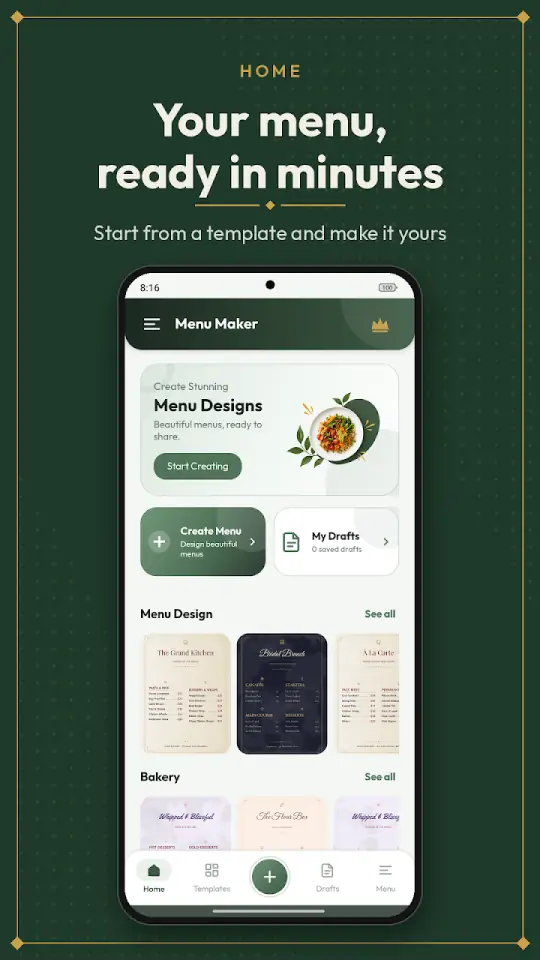
Menu Maker - Menu Design is a free Android app for designing restaurant, café, bakery, diner and food truck menus. Choose a background, add food graphics and your logo, type your dishes and prices, and save a professional menu in a few steps.
Menu Maker - Menu Design screenshots
What is Menu Maker - Menu Design?
Menu Maker - Menu Design is built for small food businesses that want an attractive menu without paying for a designer. It works equally well for a breakfast menu, a dinner menu, a tasting menu or a weekly specials board.
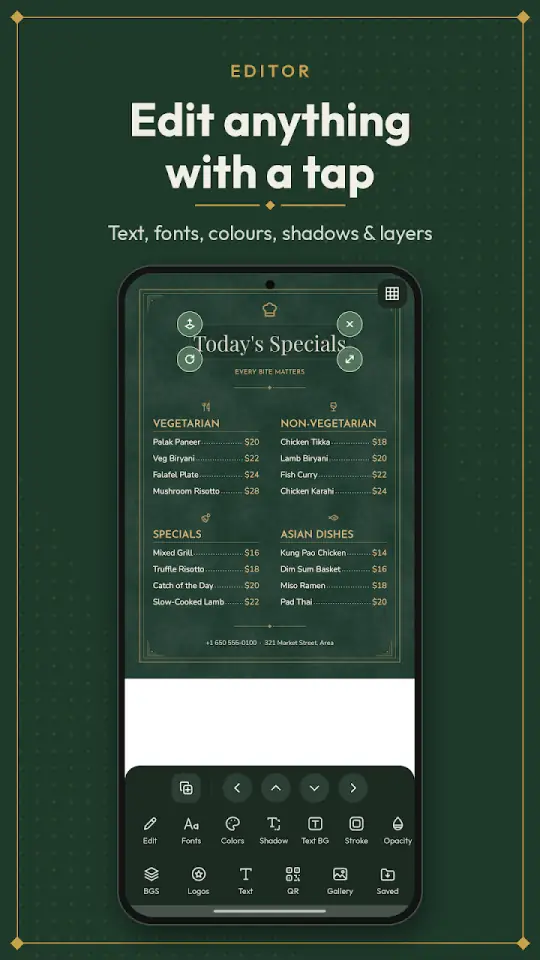
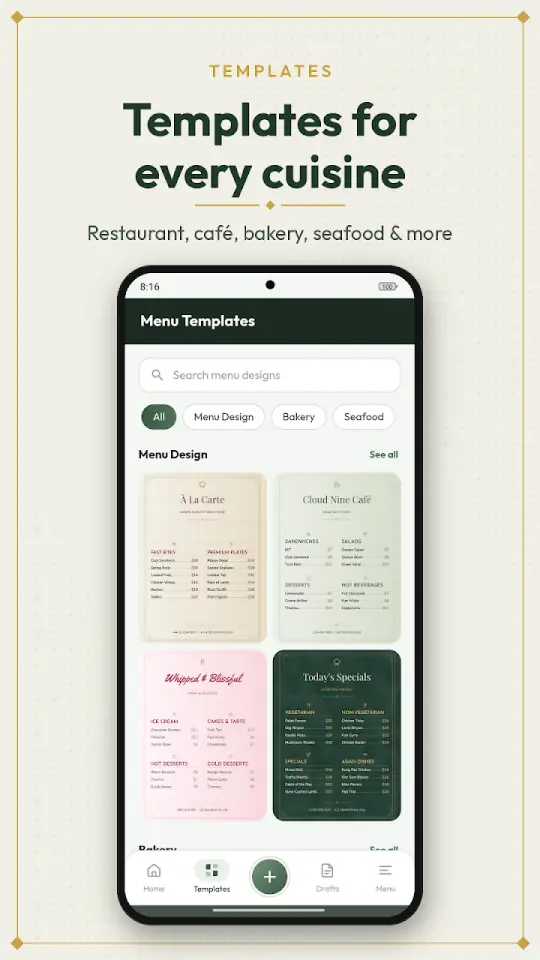
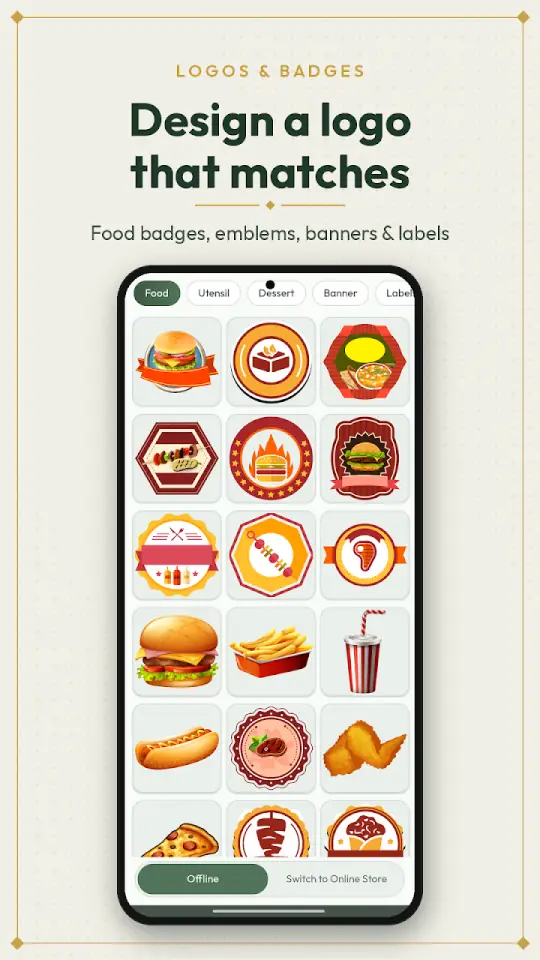
Pick from modern, rustic and vintage backgrounds, then add food-related stickers, your business logo and fully editable text. Move, resize and layer every element until the layout matches your brand.
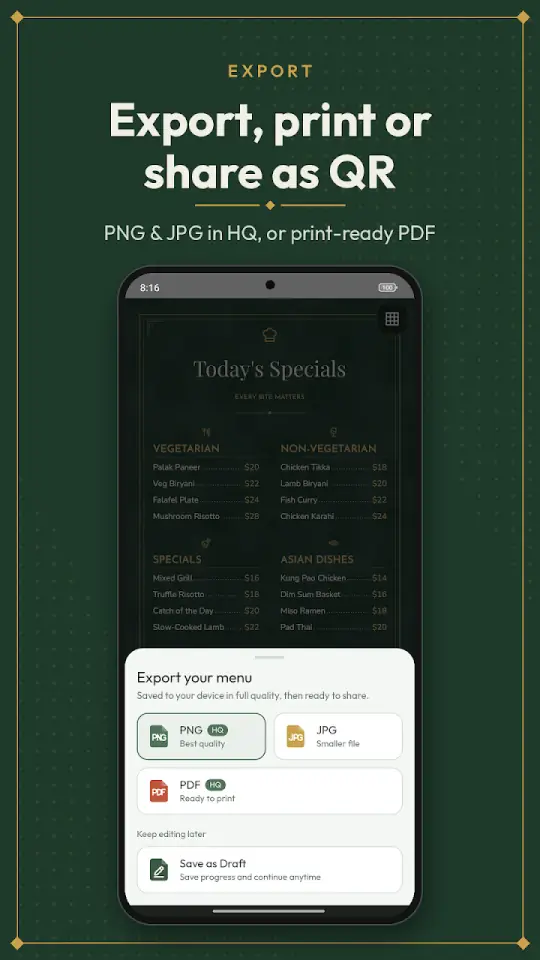
Finished menus can be saved to your gallery for printing or shared on social media and messaging apps so customers can see what is cooking today.
Key features
- Modern, rustic and vintage menu backgrounds
- Food and drink stickers and graphics
- Add your business logo
- Custom fonts, colours and text styles
- Move, resize and layer every element
- Breakfast, dinner, tasting and specials menus
- Save to gallery for printing or sharing
How to use Menu Maker - Menu Design
- Download Menu Maker - Menu Design free from Google Play.
- Select a background style for your menu.
- Add dish names, descriptions and prices with your chosen fonts.
- Decorate with food stickers and add your logo.
- Save the finished menu and print or share it.
Frequently asked questions
How do I make a café menu on my phone?
+
Open Menu Maker - Menu Design, choose a background, type your items and prices, add your logo and save. The whole process takes a few minutes.
Is Menu Maker - Menu Design free?
+
Yes. It is free to download from Google Play and every core design tool works without paying. The app is supported by ads.
What kinds of menus can I create?
+
Restaurant, café, bakery, diner and food truck menus, including breakfast, dinner, tasting and daily specials menus.
How is it different from Menu Maker - Vintage Design?
+
Both apps are from Rizwan Tech Studio. Menu Design focuses on a simple background-plus-stickers workflow, while Vintage Design offers a larger library of ready-made vintage menu templates.
App information
- Developer
- Rizwan Tech Studio
- Category
- Art & Design
- Installs
- 100+
- Price
- Free (contains ads)
- Platform
- Android
- Package
- rizwantech.menumaker.vintagedesign