Menu Maker - Vintage Design
Menu Maker - Vintage Design is a free Android app for creating restaurant, café, bar and takeaway menus on your phone. Pick a vintage or modern template, type your dishes and prices, add your logo and export a print-ready menu in minutes, with no design skills needed.
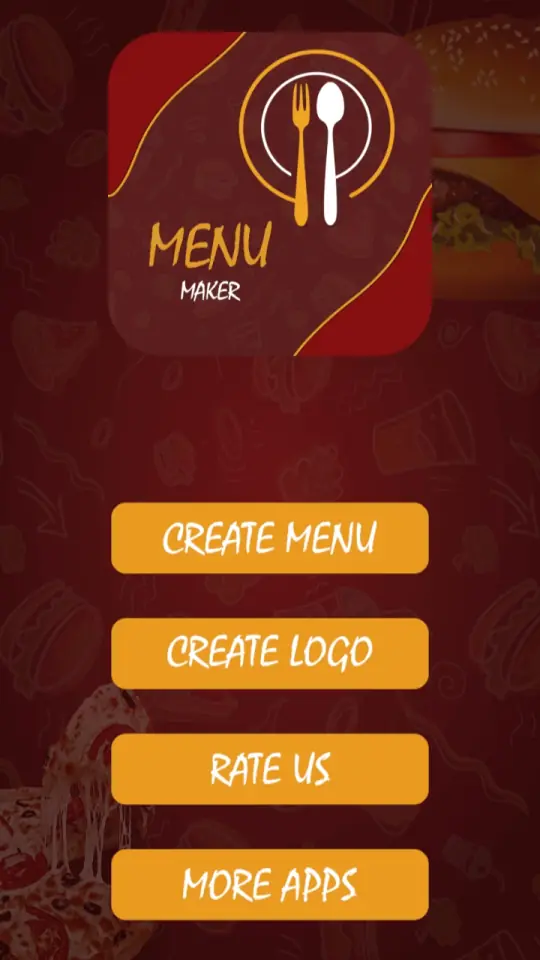
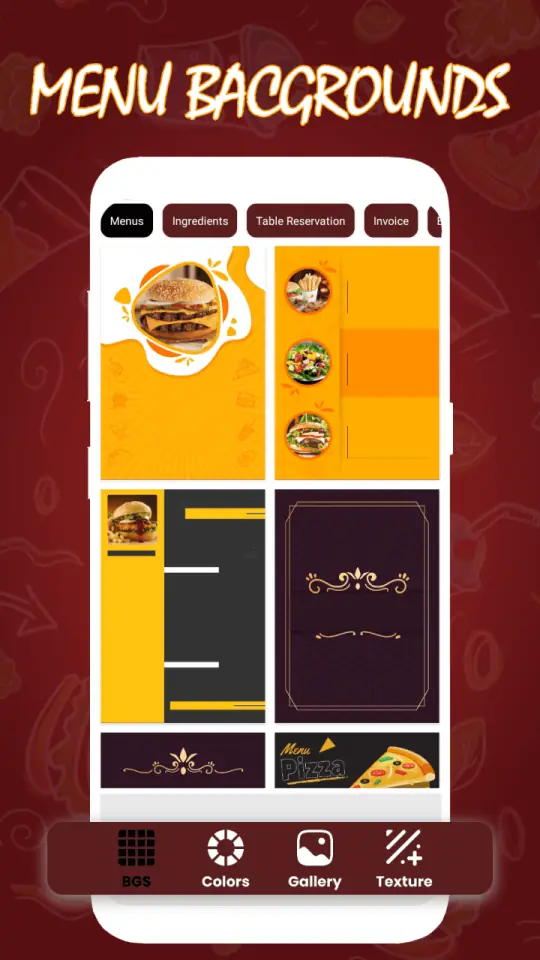
Menu Maker - Vintage Design screenshots
What is Menu Maker - Vintage Design?
Your menu is often the first thing a guest reads, so it should look as good as the food. Menu Maker gives restaurants, cafés, pubs, bakeries, food trucks and home kitchens a quick way to build professional menus without hiring a designer or learning complicated software.
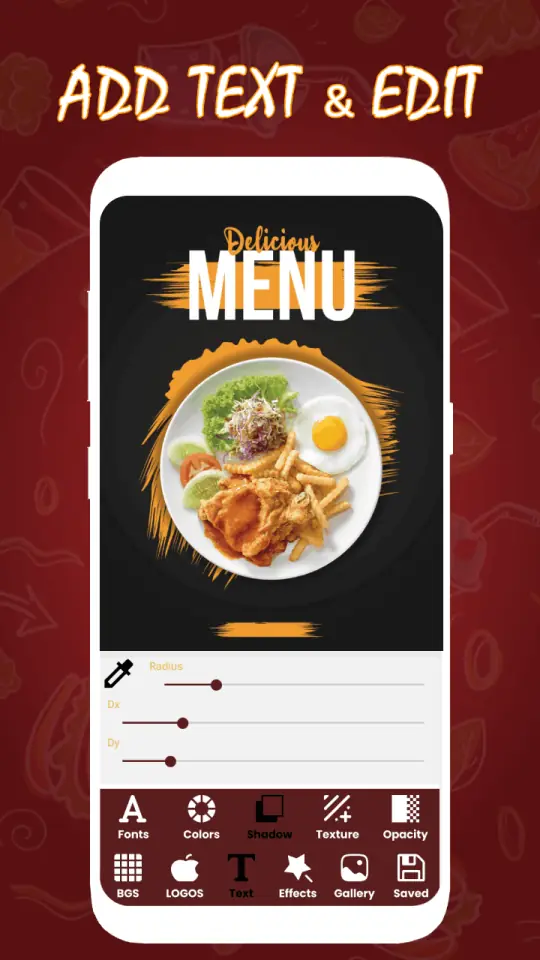
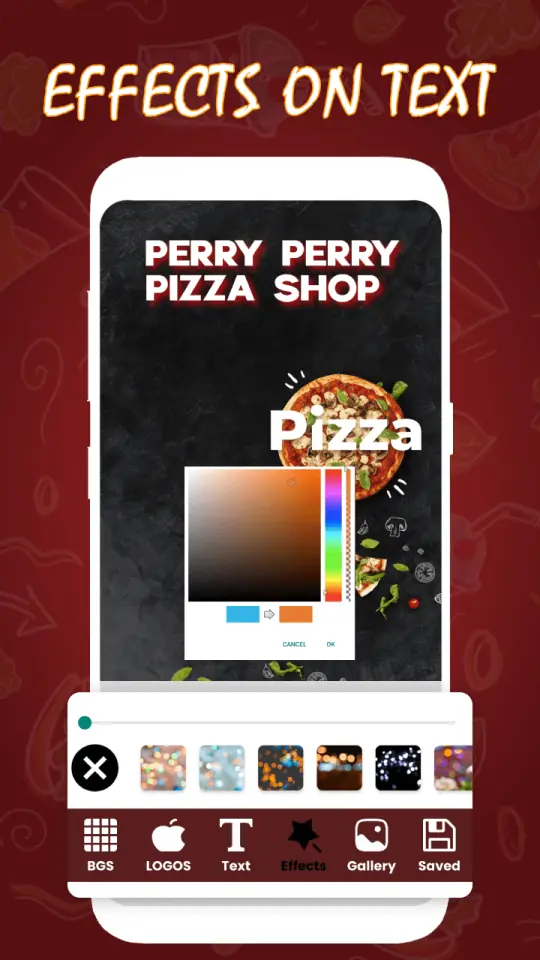
Start from a vintage chalkboard, rustic paper or clean modern background, then add sections for starters, mains, desserts and drinks. Change fonts, colours and layout, drop in food photos and stickers, and place your logo so the menu matches your brand.
When you are happy, save the design in high resolution to print at home or at a print shop, or share it straight to WhatsApp, Instagram and Facebook as a digital menu. With over 100,000 installs, it is one of the most popular menu design apps from Rizwan Tech Studio.
Key features
- Vintage, chalkboard and modern menu templates
- Restaurant, café, bar, pizza, burger and dessert menu layouts
- Beer, cocktail and drinks menu templates
- Add your business logo, food photos and stickers
- Edit fonts, colours, prices and sections freely
- Image tools to crop, resize and apply filters
- Save in HD as JPEG or PNG, ready to print
- Share digital menus to WhatsApp, Instagram and Facebook
How to use Menu Maker - Vintage Design
- Install Menu Maker - Vintage Design free from Google Play and open it.
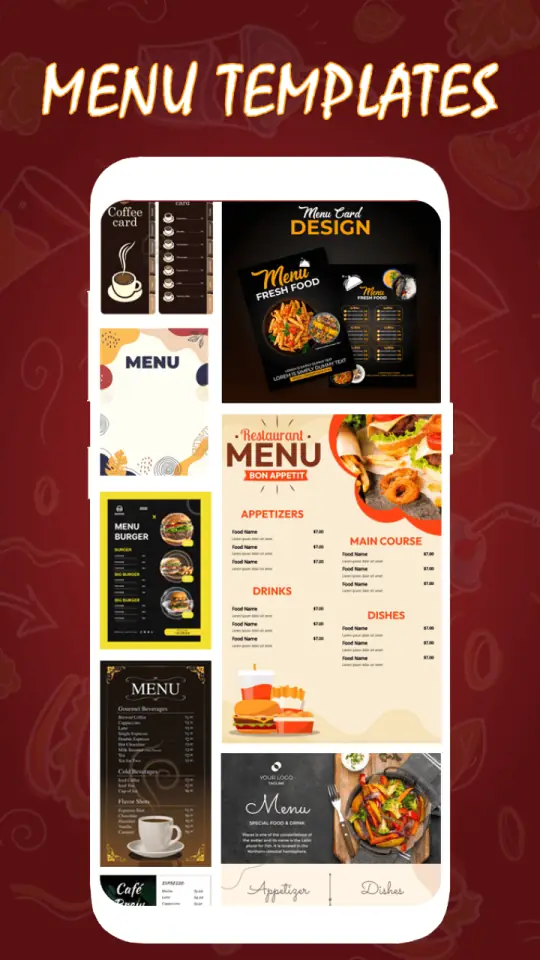
- Choose a menu template or a vintage background that suits your restaurant or café.
- Add your menu sections, dish names, descriptions and prices, then style the text.
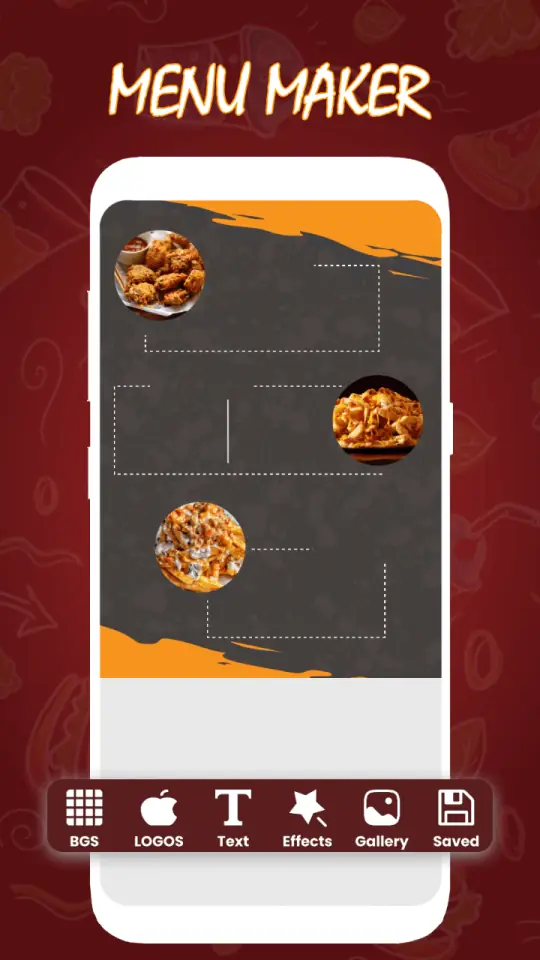
- Insert your logo, food photos or stickers and arrange them on the page.
- Save the menu in HD to print it, or share it online as a digital menu.
Frequently asked questions
What is the best free app to make a restaurant menu on Android?
+
Menu Maker - Vintage Design is a popular free choice, with over 100,000 installs on Google Play. It includes ready-made restaurant, café and bar menu templates that you can edit and print from your phone.
Is Menu Maker free?
+
Yes. It is free to download from Google Play and every core design tool works without paying. The app is supported by ads.
Can I print the menus I make?
+
Yes. Save your menu as a high-resolution JPEG or PNG and print it at home or at a print shop. You can also share the same file as a digital menu.
Can I add my own logo and food photos?
+
Yes. You can import your logo and any photo from your gallery, then resize, crop and position it anywhere on the menu.
Do I need design experience to use it?
+
No. The templates are already laid out, so you only need to change the text, prices and images to match your business.
App information
- Developer
- Rizwan Tech Studio
- Category
- Art & Design
- Installs
- 100,000+
- Google Play rating
- 3.9 ★ (1,033)
- Price
- Free (contains ads)
- Platform
- Android
- Package
- rizwan.techStudio.menumaker