Image to PDF: PDF Maker
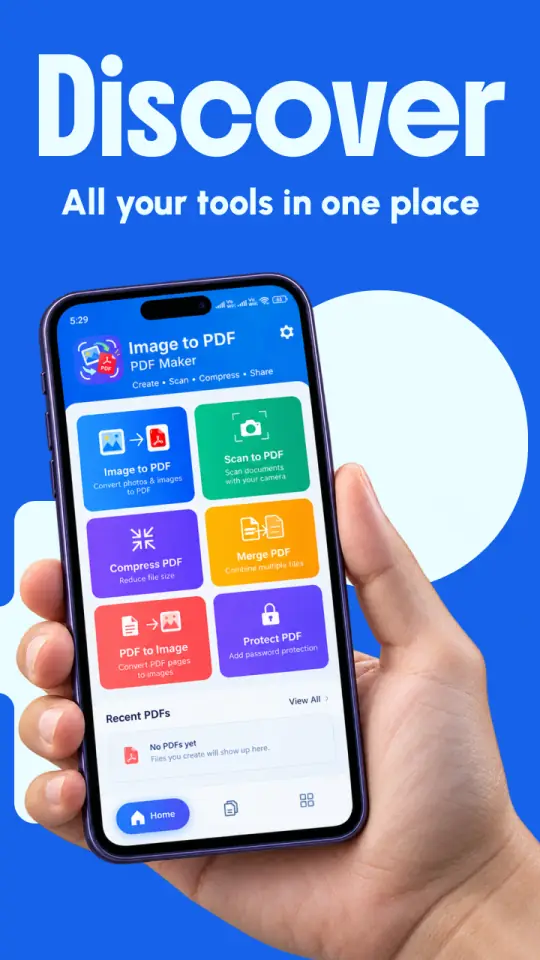
Image to PDF: PDF Maker is a free Android app that converts JPG and PNG images into PDF files, scans paper documents with your camera, and lets you merge, compress and password-protect PDFs, all offline on your device.
Image to PDF: PDF Maker screenshots

What is Image to PDF: PDF Maker?
Turn photos, screenshots and scanned pages into professional PDF documents in seconds. Combine several images into one multi-page PDF, reorder or remove pages, and preview before saving.
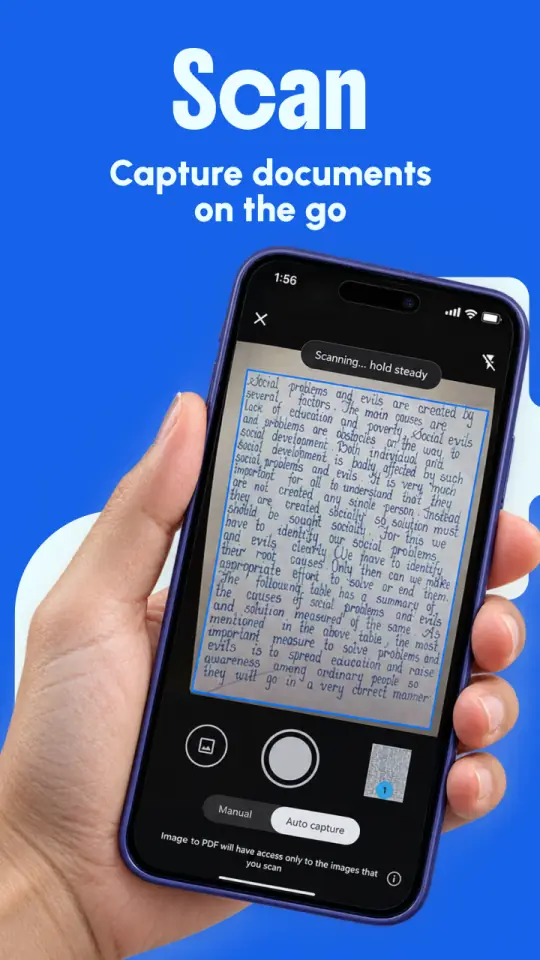
Customise the output with A4, A5, Letter or Legal page sizes, portrait or landscape orientation, margins, multiple images per page, page numbers, quality controls and a grayscale option. The built-in document scanner captures notes, receipts, invoices, forms and certificates with crop, rotate and enhancement tools.
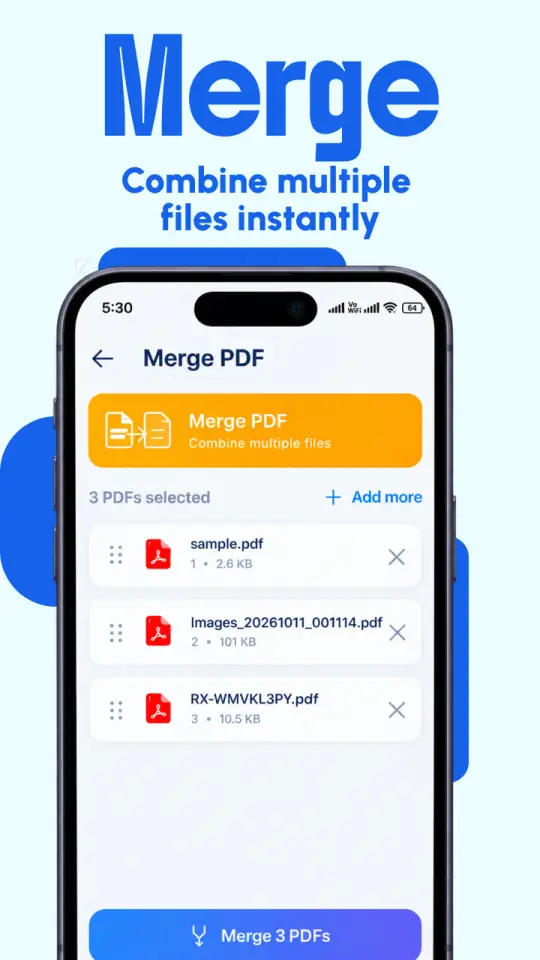
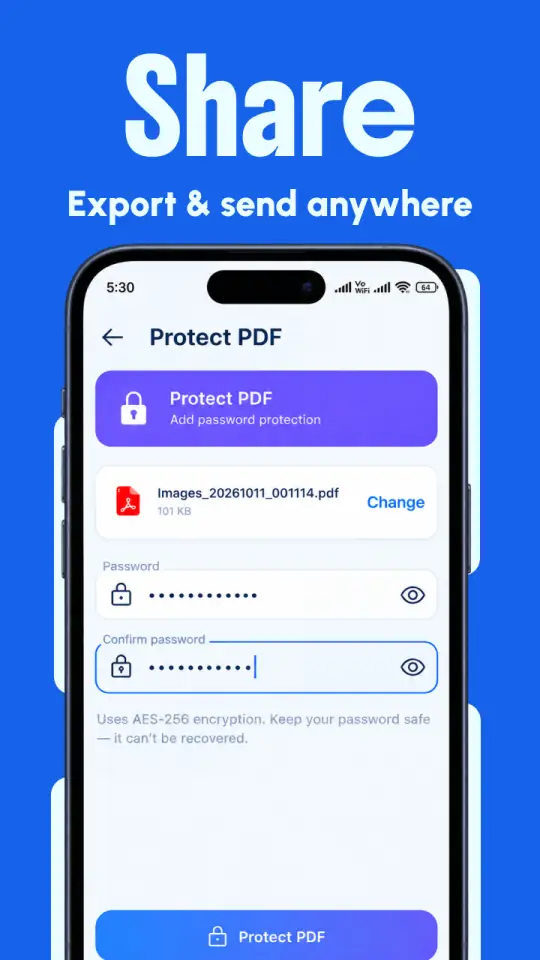
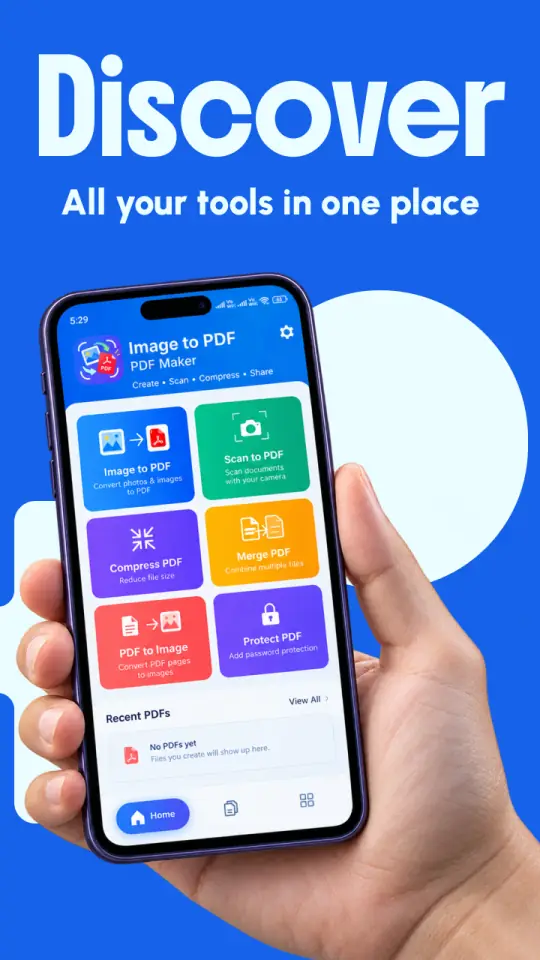
Extra tools let you compress large PDFs, merge several PDFs into one, add password protection and convert PDF pages back into images, all without uploading your files anywhere.
Key features
- Convert JPG, JPEG and PNG images to PDF
- Multi-page PDFs with reorder and preview
- A4, A5, Letter and Legal page sizes
- Camera document scanner with crop and enhance
- PDF compressor and PDF merger
- Password-protect PDFs
- PDF to image converter
- Works offline on your device
How to use Image to PDF: PDF Maker
- Install Image to PDF: PDF Maker free from Google Play.
- Select images from your gallery or scan a document with your camera.
- Reorder pages and choose page size, orientation and margins.
- Preview the PDF and adjust quality if needed.
- Save, compress, protect or share your PDF.
Frequently asked questions
How do I convert a photo to PDF on Android?
+
Open Image to PDF: PDF Maker, select one or more photos, set the page size and order, then tap save. The app creates the PDF on your phone.
Is Image to PDF free?
+
Yes. It is free to download from Google Play and is supported by ads.
Does it work offline?
+
Yes. Conversion, scanning, compression and merging happen on your device, so your documents are not uploaded.
Can I merge or compress PDFs?
+
Yes. The app includes a PDF merger to combine files and a compressor to reduce PDF size for sharing.
Can I scan documents with it?
+
Yes. Use the camera scanner to capture receipts, notes, forms and certificates, then crop and enhance them before saving as PDF.
App information
- Developer
- Rizwan Tech Studio
- Category
- Tools
- Installs
- 10+
- Price
- Free (contains ads)
- Platform
- Android
- Package
- com.rizwantechstudio.pdf_converter