Label Maker & Design Printer
Label Maker & Design Printer is a free Android app for designing custom labels, product stickers, shipping tags and monograms. Edit text, icons, colours and layouts, then export HD designs ready to print for your business, crafts or home organisation.
Label Maker & Design Printer screenshots
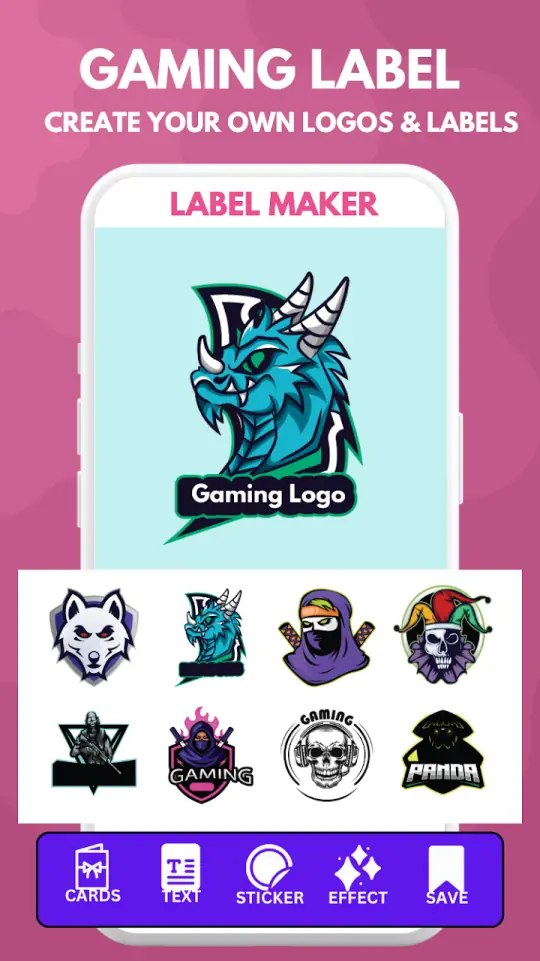

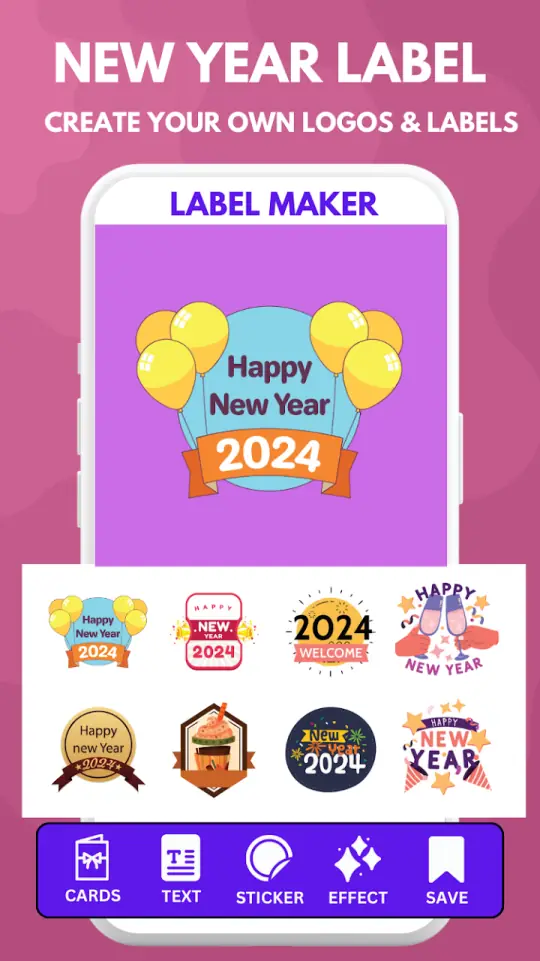

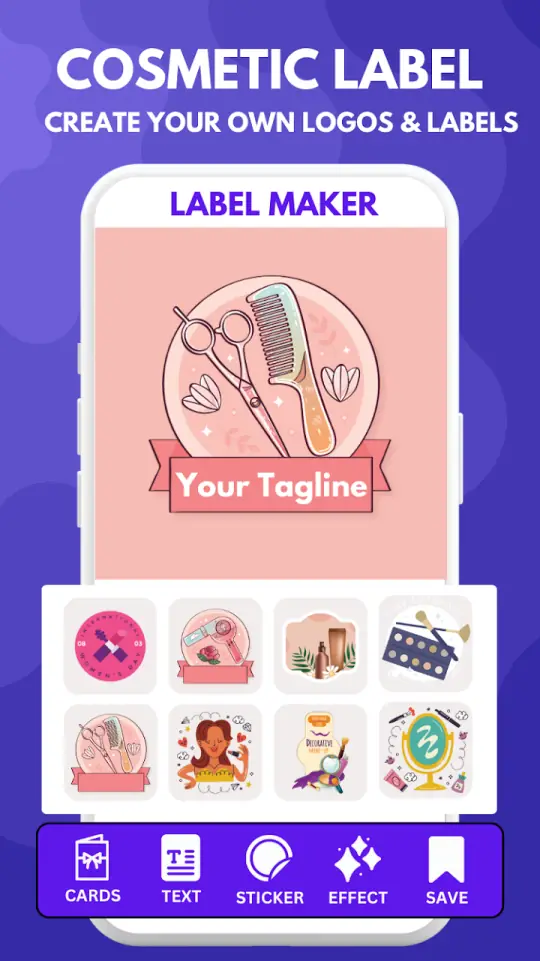
What is Label Maker & Design Printer?
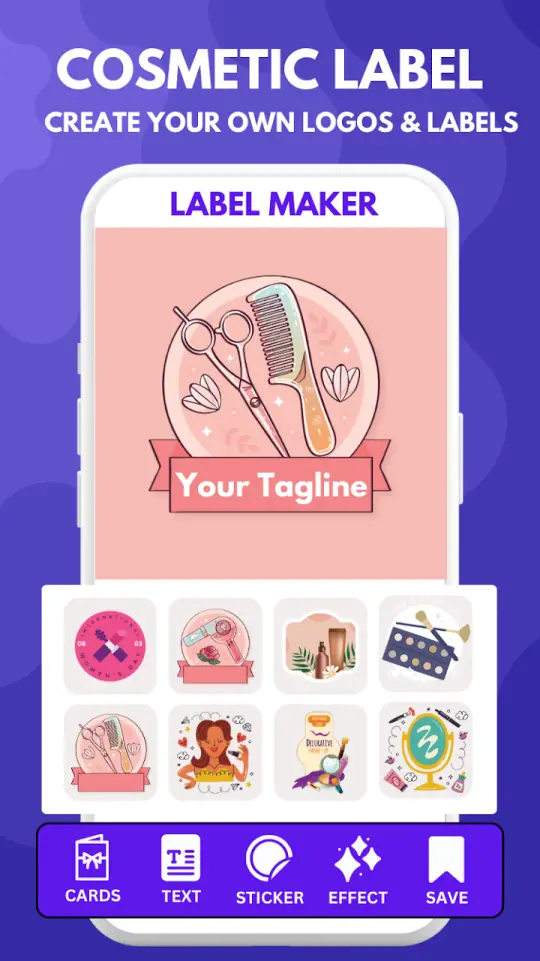
Label Maker turns anyone into a label designer. Small sellers can create product labels and packaging stickers, crafters can brand handmade goods, and households can label jars, boxes and storage.
Customise every detail: text, icons, backgrounds, colours and layouts. Add your own logo or a monogram to give labels a branded, professional finish.
Save designs in high resolution, ready for printing on sticker paper or label sheets, or share them digitally.
Key features
- Custom label designer
- Product, packaging and shipping label styles
- Sticker and monogram creator
- Add your logo or branding
- Editable text, icons, colours and backgrounds
- High-resolution print-ready export
How to use Label Maker & Design Printer
- Install Label Maker & Design Printer free from Google Play.
- Choose a label shape or template.
- Add your text, logo or monogram.
- Customise colours, icons and backgrounds.
- Export in HD and print on sticker or label paper.
Frequently asked questions
How do I design product labels on my phone?
+
Open Label Maker & Design Printer, pick a label template, add your product name and logo, customise the colours and export it in HD for printing.
Is Label Maker free?
+
Yes. It is free to download from Google Play and every core design tool works without paying. The app is supported by ads.
Can I print the labels?
+
Yes. Labels are exported in high resolution, ready to print on sticker paper or standard label sheets.
What can I label with it?
+
Products, packaging, shipping parcels, handmade crafts, jars, storage boxes and anything else that needs a custom label or sticker.
App information
- Developer
- Rizwan Tech Studio
- Category
- Art & Design
- Installs
- 500+
- Price
- Free (contains ads)
- Platform
- Android
- Package
- rizwan.printer.labelmaker