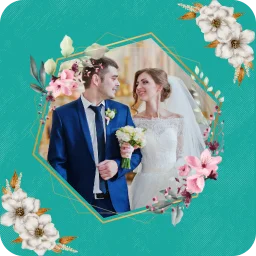
Wedding Photo Frames & Cards
Wedding Photo Frames & Cards is a free Android photo editor for adding romantic wedding frames to your photos and creating wedding invitations and anniversary cards. Choose a frame, add names, quotes and stickers, and share your creation with friends and family.
Wedding Photo Frames & Cards screenshots
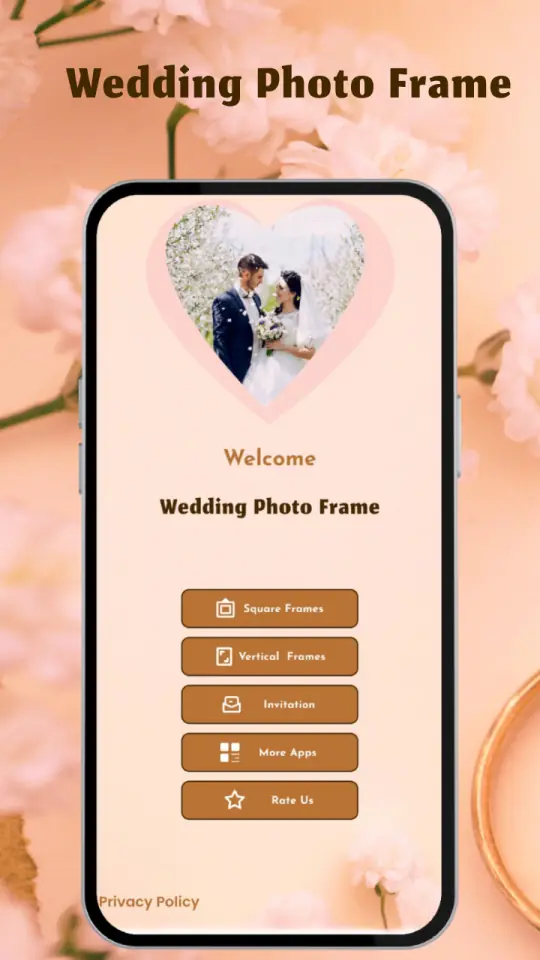
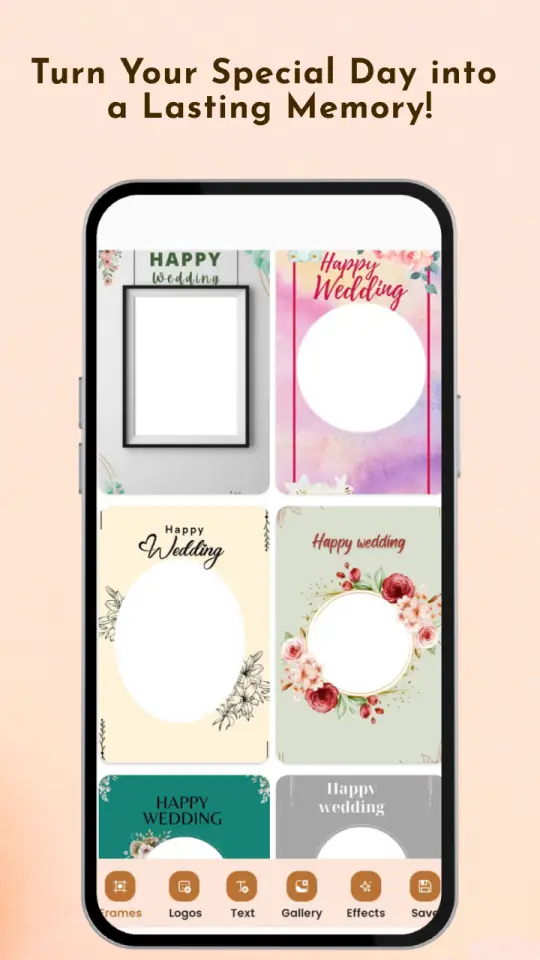
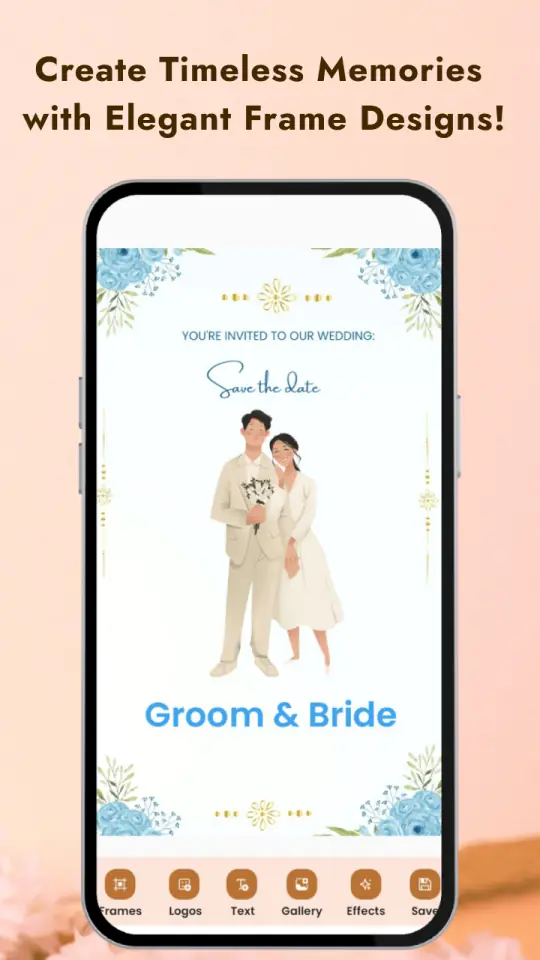
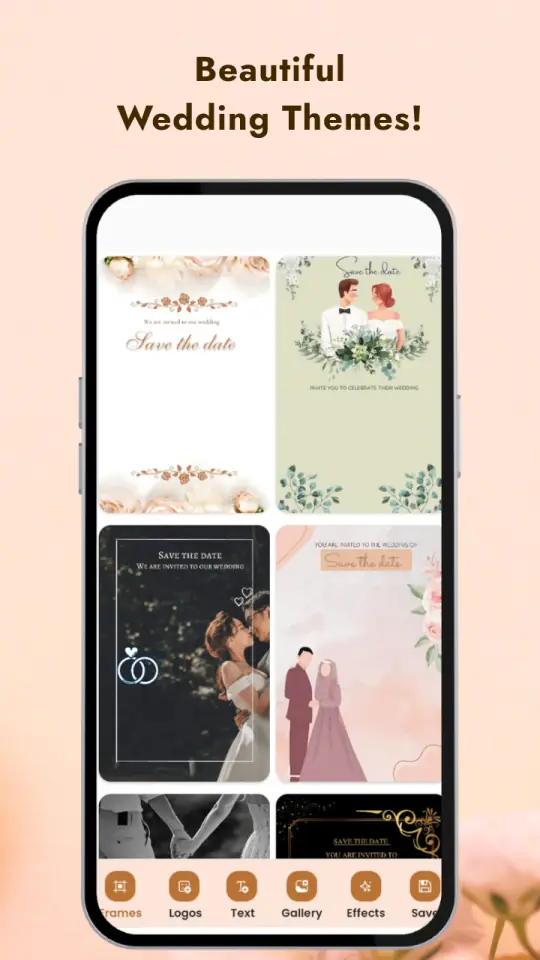
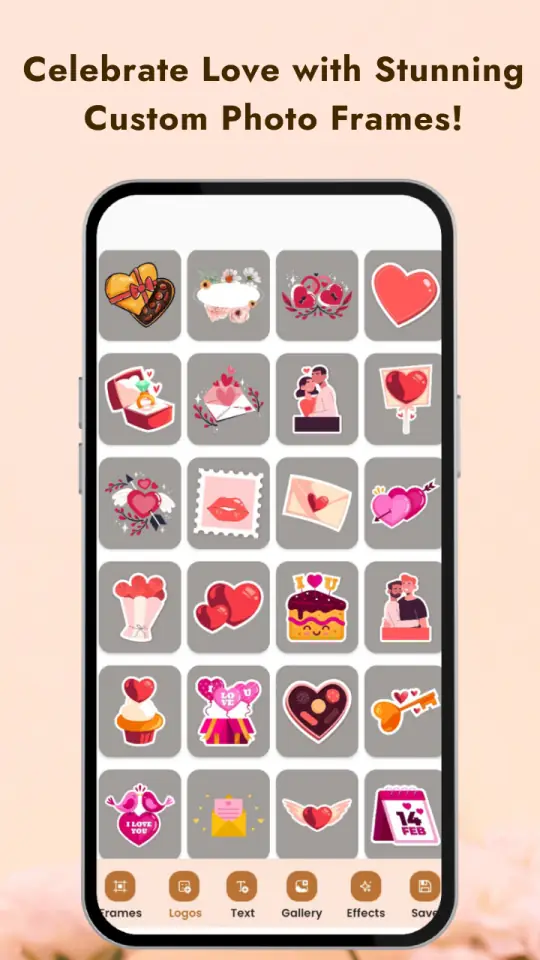

What is Wedding Photo Frames & Cards?
Make your wedding memories last with beautiful frames for pre-wedding shoots, the big day and anniversaries. Choose from floral, palace, nature and love-themed frames, including Indian wedding styles.
Enhance your pictures with filters and effects, adjust brightness, flip and resize photos, and personalise them with your names, wedding quotes and stickers. The card maker lets you design elegant wedding invitations and anniversary cards from ready templates.
Save your edited photos and cards to your gallery or share them directly on WhatsApp, Instagram and Facebook.
Key features
- Wide range of wedding photo frames
- Pre-wedding, Indian wedding and anniversary frames
- Wedding invitation and card maker
- Filters, effects and brightness adjustment
- Add names, quotes and stickers
- Floral, palace, nature and love backgrounds
- Share to social media in one tap
How to use Wedding Photo Frames & Cards
- Install Wedding Photo Frames & Cards free from Google Play.
- Select a photo from your gallery or take a new one.
- Choose a wedding frame or invitation template.
- Add filters, names, quotes and stickers.
- Save and share with family and friends.
Frequently asked questions
How can I put my wedding photo in a frame on Android?
+
Open Wedding Photo Frames & Cards, choose your photo, pick a wedding frame, adjust the fit and save. You can add names and stickers before sharing.
Is Wedding Photo Frames & Cards free?
+
Yes. It is free to download from Google Play and every core design tool works without paying. The app is supported by ads.
Can I make wedding invitations with it?
+
Yes. The built-in card maker includes elegant templates for wedding invitations, pre-wedding invites and anniversary cards.
Are there Indian wedding frames?
+
Yes. The collection includes Indian wedding and pre-wedding frame styles alongside floral, palace and nature designs.
App information
- Developer
- Rizwan Tech Studio
- Category
- Photography
- Installs
- 1,000+
- Price
- Free (contains ads)
- Platform
- Android
- Package
- rizwantechstudio.wedding.photoframes