Facebook Video Downloader
Download Facebook videos, public clips, and Reels in Full HD (1080p/720p) or SD MP4. Paste the Facebook video link to extract video formats and download immediately.
Download Facebook Videos & Reels
Paste a Facebook Watch, Reel, or public video link to download Full HD or SD MP4 - and extract audio when available.
Fetching video details...
This usually takes just a few seconds.
Video Title
All Download Options
Choose your preferred format and quality
| Quality | Format | File Size | Action |
|---|
Why choose our Facebook downloader?
Platform-focused downloads for Facebook - pick quality, then save to your device.
Watch & Reels Support
Download videos from Facebook Watch, Facebook Reels, and standard public video posts.
HD and SD Quality Options
Choose between Full HD/HD and smaller SD file sizes depending on your storage and connection.
Public Videos Only
Works with any video post or page that is publicly visible without logging into Facebook.
No Facebook Account Needed
Download without signing into Facebook or connecting your own profile.
Fast Processing
Paste a link and get download-ready formats back within moments.
Save your favorite Facebook videos
Paste a public Facebook link above to fetch formats and download MP4 or MP3.
Downloading From Facebook Watch, Reels, and Groups
Facebook hosts video content across several different surfaces - the dedicated Watch tab, short-form Reels, and regular video posts shared on profiles, pages, and public groups - and all of them are supported by pasting the direct post link into this tool. There is no need to figure out which category a video falls into before downloading.
This is especially handy for Reels and Watch content, since neither has a simple built-in save-video option in the Facebook mobile app the way some other download-friendly platforms do.
Choosing Between HD and SD Quality
Full HD (1080p) and HD (720p) downloads look sharper, especially if you plan to watch the video on a larger screen or re-share it somewhere that benefits from higher resolution, but the file sizes are naturally larger. SD downloads are smaller and faster to save, which is a reasonable trade-off if you are low on storage or working with a slower connection.
For most everyday saving - rewatching a video later or keeping a personal copy - SD is often plenty, while HD makes more sense for videos you want to revisit in better quality or use for something more polished.
Why Only Public Videos Can Be Downloaded
This tool can only fetch videos that are publicly visible - the kind anyone could watch by opening the link in a browser without logging into Facebook. Videos restricted to a private group, a friends-only audience, or a login-required page fall outside of what any browser-based downloader, including this one, can access.
If a link fails to resolve, the most common reasons are that the post has since been made private, deleted, or that the link actually points to a page or profile rather than a specific video.
Who Uses a Facebook Video Downloader
People often want to save a video shared in a public group or page before it is taken down or buried in their feed history - weddings, community events, and viral clips shared by friends are common examples. Marketers and content teams also use it to archive publicly posted brand videos for internal review or reporting purposes.
Because Facebook's native app does not offer a convenient save option for most video types, a quick paste-and-download tool fills a real gap for anyone who wants an offline copy of something they would otherwise have to rewatch by scrolling back through their feed.
How to use Facebook Video Downloader
Follow these steps to get results in under a minute.
Copy the Facebook Video Link
On the video post, tap the share icon or three-dot menu and choose Copy Link.
Paste It Into the Tool
Drop the copied URL into the input field and click Get Video.
Select HD or SD Quality
Choose the quality and format that best fits your device and storage.
Download the File
Click download to save the video directly to your phone or computer.
Frequently Asked Questions
Find quick answers about Facebook Video Downloader.
Can I download videos from private Facebook groups?
What is the difference between HD and SD downloads?
Does this work for Facebook Reels?
Do I need a Facebook account to use this?
Why did my video link fail to download?
Can I download audio only from a Facebook video?
Is downloading Facebook videos for personal use allowed?
More free tools
Explore all 12 other online utilities from Rizwan Tech Studio - no sign-up required.
-
QR Code Generator
Create a free QR code online for URLs, text, vCard, email, and SMS.
Open tool -
QR Code Scanner
QR code scanner online - use your camera or upload an image.
Open tool -
Social Media Name Checker
Free social media name checker for username and handle availability.
Open tool -
Lorem Ipsum Generator
Free lorem ipsum / lipsum placeholder text generator.
Open tool -
Free Time Card Calculator
Timesheet calculator for hours, overtime, and gross pay.
Open tool -
Age Calculator
Exact age calculator in years, months, days, and more.
Open tool -
Image to Text Converter
OCR online - free image to text converter in your browser.
Open tool -
Word Counter
Online word counter with characters, spaces, and keyword density.
Open tool -
Internet Speed Tester
Free internet speed test for download, upload, and latency.
Open tool -
TikTok Video Downloader
Download TikTok videos without watermark in HD MP4 & MP3.
Open tool -
Instagram Video Downloader
Download Instagram Reels, videos, and IGTV in high quality MP4.
Open tool -
YouTube Video Downloader
Download YouTube videos and Shorts in HD 1080p, 720p & MP3.
Open tool
Our Apps
Design apps from Rizwan Tech Studio on Google Play.
-
 Menu Maker - Vintage Design
Design restaurant, café and bar menus on your phone with vintage backgrounds, ready-made templates, your logo and printable HD export.
-
 Flyer, Poster Maker
Design flyers, posters, social media posts and promo graphics for your business or event in minutes with editable templates.
-
 Luxury Logo Maker, Logo Design
Create elegant luxury, royal and monogram logos with 100+ templates, 50+ fonts, icons and backgrounds for premium brands.
-
 Christmas Photo Frames 2026
Turn holiday photos into festive memories with merry Christmas frames, Santa frames, New Year stickers and custom messages.
From the Blog
Tips, updates, and guides from our studio.
-
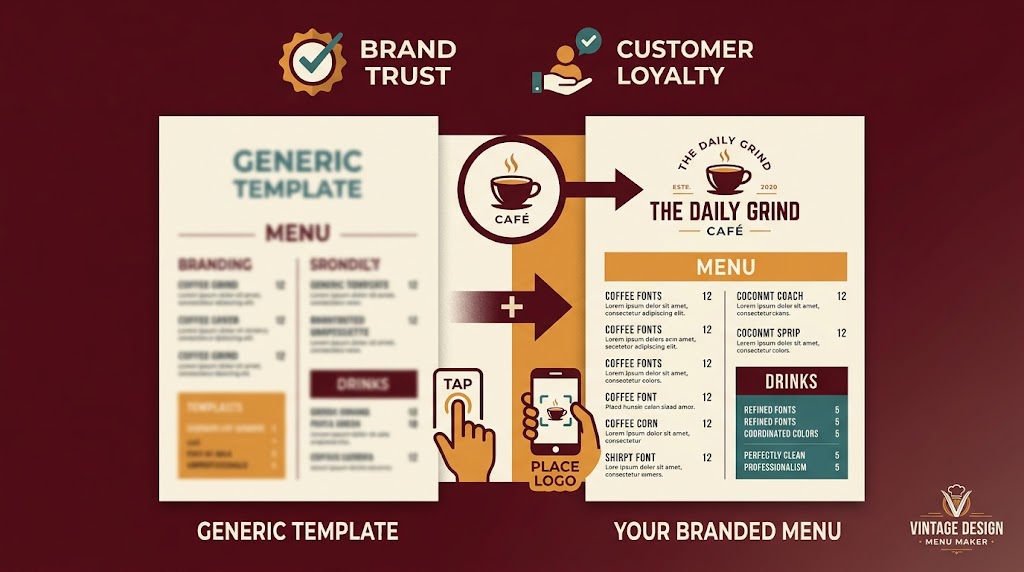
Why Custom Business Logo Integration is Essential for Professional Restaurant Menus Want your restaurant menu to stand out and build instant customer recognition? Discover how seamless custom logo integration in the Menu Maker - Vintage Design app elevates your brand across every table and digital platform.
-
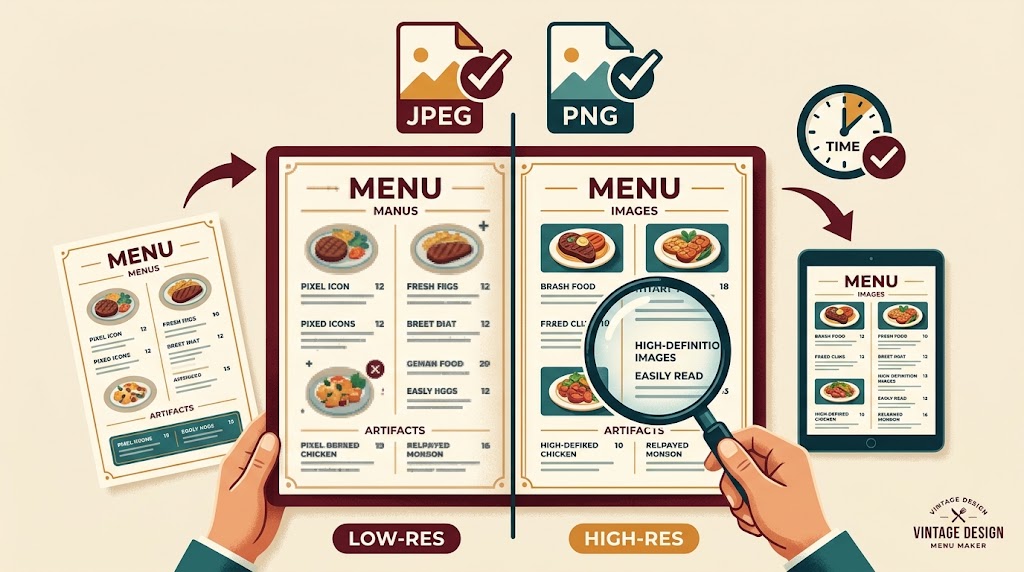
Why High-Resolution JPEG and PNG Export Matters for Your Restaurant Menu Finished designing your menu? Discover how exporting your restaurant designs in high-resolution JPEG and PNG formats ensures crisp printing and professional digital sharing.
-
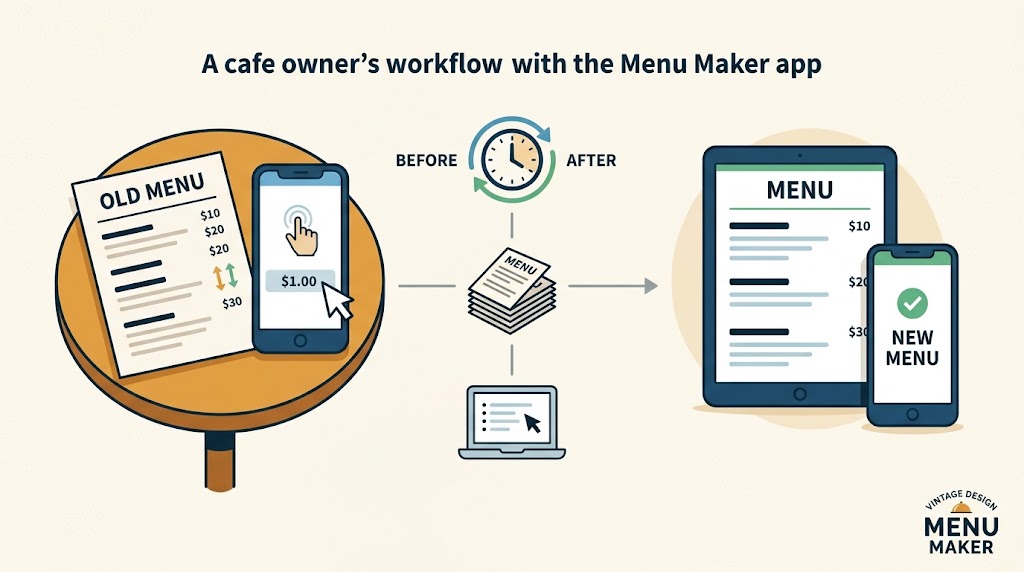
How Quick-Edit Layout Tools Help Restaurant Owners Update Menus in Seconds Prices change, seasonal dishes rotate, and daily specials come and go. Discover how the quick-edit layout tools in the Menu Maker - Vintage Design app let you update your restaurant menus instantly without redesigning from scratch.
-
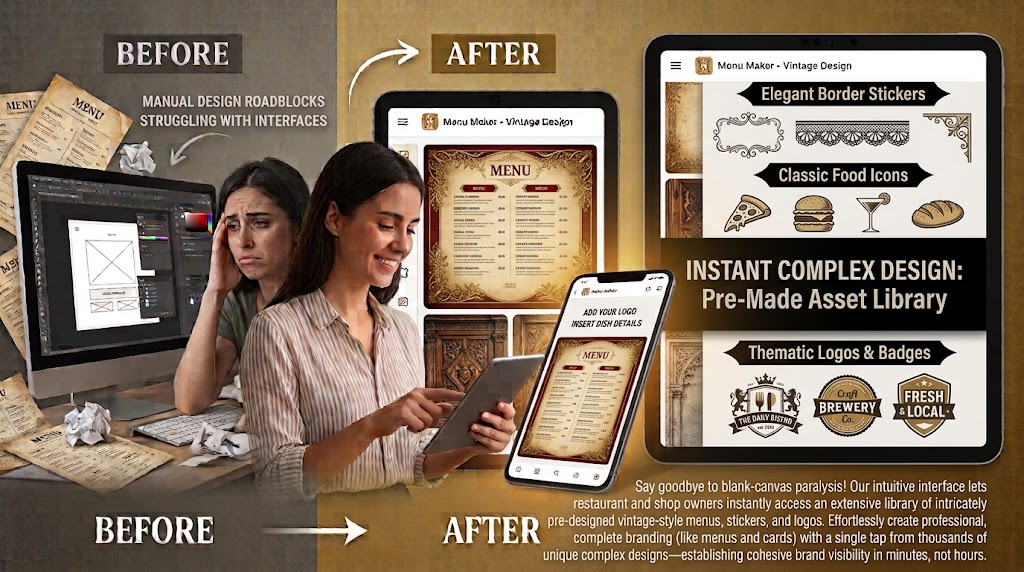
How a Pre-Made Background and Sticker Library Saves Restaurant Owners Hours of Design Time Struggling to design a professional menu from scratch? Discover how an extensive built-in library of vintage backgrounds, stickers, and logos lets eateries build stunning brand identities instantly.