QR Code Generator
Create a free QR code online with our QR code generator. Enter a URL, text, vCard, email, or SMS payload, choose size and style, then download a high-resolution PNG - no account required.
QR Code Generator
Create a high-resolution QR code and download a PNG — no account required.
Styled codes and logos use high error correction for reliable scanning.
What Is a QR Code Generator?
A QR code generator turns a piece of information - a link, a phone number, a short message - into a square pattern of black and white modules that any smartphone camera can read in under a second.
Instead of typing a long web address or copying a Wi-Fi password by hand, people just point their camera at the code. Our generator builds that pattern locally in your browser and hands you a clean PNG file, so there is no waiting on a server and nothing sensitive leaves your device unless you choose to download and share it.
Static vs. Dynamic QR Codes
Static QR codes, like the ones this tool creates, encode your data directly into the pattern itself. Once generated, a static code can be printed and reused forever because the destination never changes - and there is no third-party redirect service that could go offline later.
Dynamic QR codes, in contrast, point to a short redirect URL that you can repoint to a new destination later, usually through a paid subscription. For most everyday uses - sharing a menu, a portfolio link, or a Wi-Fi password - a static code is simpler, free forever, and does not rely on anyone else's servers staying online.
Best Practices for Printed QR Codes
If you plan to print your QR code on a flyer, sign, or product label, leave the white quiet zone (margin) intact around the edges - cropping it too tightly can prevent cameras from locking on. Aim for at least 2 x 2 cm (about 0.8 inches) at normal reading distance, and larger if the code will be scanned from farther away, like on a storefront window.
Always test your printed code with two or three different phones before mass-printing. Avoid placing the code over busy background images or low-contrast colors, since most scanners rely on clear contrast between the dark modules and the light background to read the pattern correctly.
Common Uses for QR Codes
Restaurants link straight to digital menus, retailers print codes on packaging for warranty registration, and event organizers use them for contactless check-in. Small businesses add a QR code to a vCard so people can save contact details to their phone with one scan instead of typing them out.
Teachers, landlords, and freelancers use the SMS and email types to let people reach them with a pre-filled message, cutting down on typos and friction. Because the codes are static and free to generate, there is no reason to limit their use to just marketing - they work just as well for a garage sale sign or a conference badge.
Why use QR Code Generator?
Built for everyday use in the browser - clear results, no account required.
Multiple QR Code Types
Create QR codes for a website URL, plain text, a vCard contact card, a pre-filled email, or an SMS message - all from one tool.
High-Resolution PNG Downloads
Export crisp, print-ready PNG files suitable for business cards, posters, and packaging.
Adjustable Size & Margins
Set the exact pixel size and quiet-zone margin so the code scans reliably at any print size.
Built-In Error Correction
Codes stay scannable even with minor smudges, creases, or small print - no extra setup needed.
No Account Needed
Generate and download unlimited QR codes without registering or logging in.
Works On Any Device
Runs entirely in your browser on desktop, tablet, or phone, with no app to install.
How to use QR Code Generator
Follow these steps to get results in under a minute.
Choose a QR Type
Pick URL, text, vCard, email, or SMS from the type selector at the top of the tool.
Enter Your Details
Fill in the matching fields - a web address, a message, or contact information - and watch the preview update instantly.
Adjust Size and Style
Set the pixel size and margin so the code fits your business card, flyer, or screen.
Download the PNG
Click download to save a high-resolution PNG you can print or share right away.
Frequently Asked Questions
Find quick answers about QR Code Generator.
Is this QR code generator really free to use?
Do the QR codes expire?
What is the difference between a static and dynamic QR code?
Can I use my QR code commercially?
What file format do I download?
PNG image, which works well for both print and digital use.
Is any of my data sent to your servers?
What is the best size to print a QR code?
Can any smartphone scan these codes?
More free tools
Explore all 12 other online utilities from Rizwan Tech Studio - no sign-up required.
-
QR Code Scanner
QR code scanner online - use your camera or upload an image.
Open tool -
Social Media Name Checker
Free social media name checker for username and handle availability.
Open tool -
Lorem Ipsum Generator
Free lorem ipsum / lipsum placeholder text generator.
Open tool -
Free Time Card Calculator
Timesheet calculator for hours, overtime, and gross pay.
Open tool -
Age Calculator
Exact age calculator in years, months, days, and more.
Open tool -
Image to Text Converter
OCR online - free image to text converter in your browser.
Open tool -
Word Counter
Online word counter with characters, spaces, and keyword density.
Open tool -
Internet Speed Tester
Free internet speed test for download, upload, and latency.
Open tool -
TikTok Video Downloader
Download TikTok videos without watermark in HD MP4 & MP3.
Open tool -
Instagram Video Downloader
Download Instagram Reels, videos, and IGTV in high quality MP4.
Open tool -
Facebook Video Downloader
Download Facebook videos and Reels in Full HD & SD quality.
Open tool -
YouTube Video Downloader
Download YouTube videos and Shorts in HD 1080p, 720p & MP3.
Open tool
Our Apps
Design apps from Rizwan Tech Studio on Google Play.
-
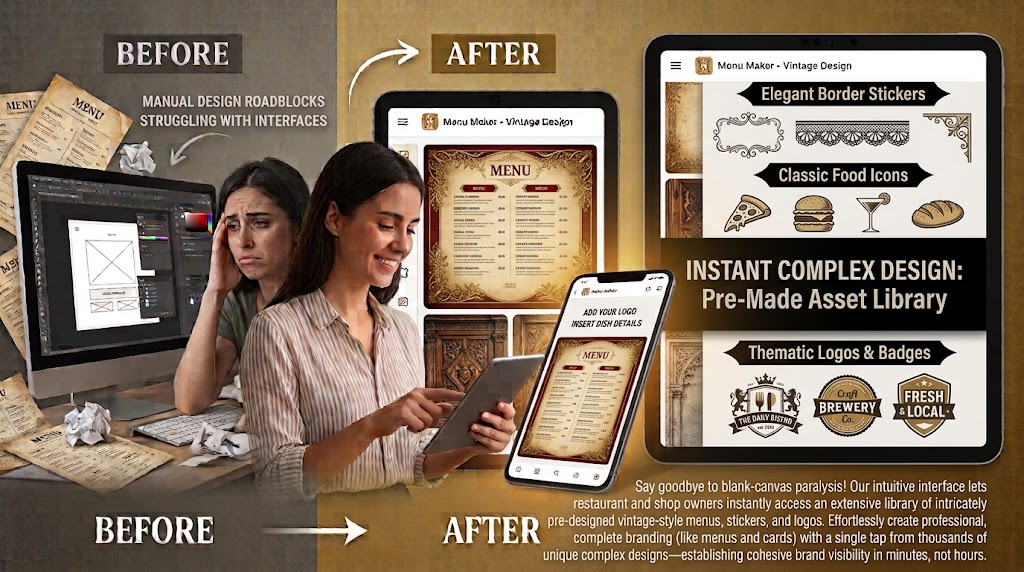
 Menu Maker - Vintage Design
Design restaurant, café and bar menus on your phone with vintage backgrounds, ready-made templates, your logo and printable HD export.
-
 Flyer, Poster Maker
Design flyers, posters, social media posts and promo graphics for your business or event in minutes with editable templates.
-
 Luxury Logo Maker, Logo Design
Create elegant luxury, royal and monogram logos with 100+ templates, 50+ fonts, icons and backgrounds for premium brands.
-
 Christmas Photo Frames 2026
Turn holiday photos into festive memories with merry Christmas frames, Santa frames, New Year stickers and custom messages.
From the Blog
Tips, updates, and guides from our studio.
-
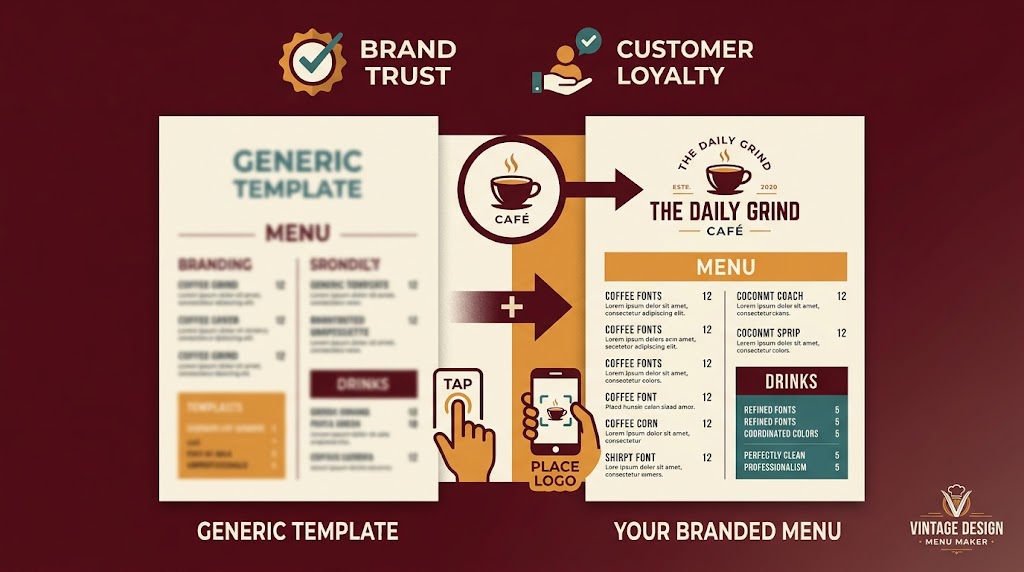
Why Custom Business Logo Integration is Essential for Professional Restaurant Menus Want your restaurant menu to stand out and build instant customer recognition? Discover how seamless custom logo integration in the Menu Maker - Vintage Design app elevates your brand across every table and digital platform.
-
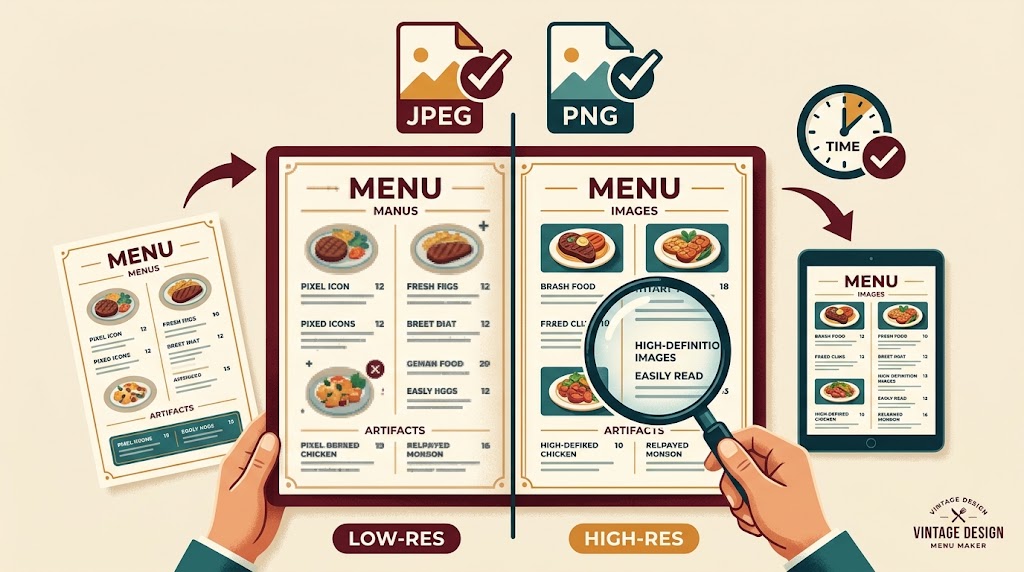
Why High-Resolution JPEG and PNG Export Matters for Your Restaurant Menu Finished designing your menu? Discover how exporting your restaurant designs in high-resolution JPEG and PNG formats ensures crisp printing and professional digital sharing.
-
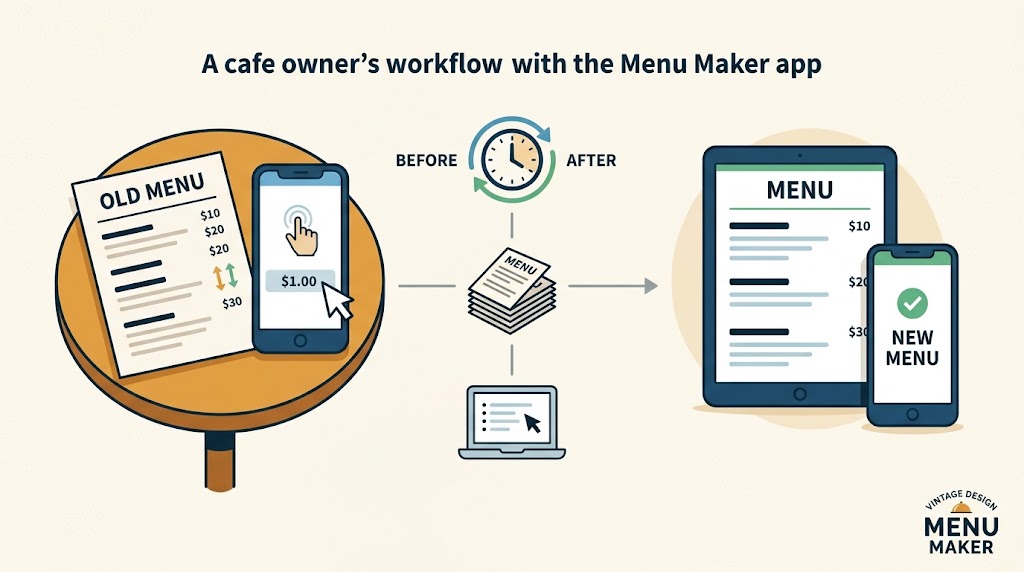
How Quick-Edit Layout Tools Help Restaurant Owners Update Menus in Seconds Prices change, seasonal dishes rotate, and daily specials come and go. Discover how the quick-edit layout tools in the Menu Maker - Vintage Design app let you update your restaurant menus instantly without redesigning from scratch.
-
How a Pre-Made Background and Sticker Library Saves Restaurant Owners Hours of Design Time Struggling to design a professional menu from scratch? Discover how an extensive built-in library of vintage backgrounds, stickers, and logos lets eateries build stunning brand identities instantly.