Internet Speed Tester
Run a free internet speed test in your browser. Measure download speed, upload speed, and latency to troubleshoot Wi‑Fi and compare ISP performance.
Internet Speed Tester
Live download, upload, and latency readings refresh about once per second.
Live speed monitor — speeds use Mbps/Gbps (bits/sec), not MB/GB (bytes).
Live monitoring…
How an Internet Speed Test Works
A speed test measures your connection by downloading and uploading small amounts of test data to and from a nearby server, timing exactly how long each transfer takes. From that timing, it calculates your download and upload speed in megabits per second (Mbps), along with latency - the round-trip delay for a signal to reach the server and come back.
Because the test runs in your browser rather than through installed software, you get a quick snapshot of your connection without downloading anything extra onto your device.
Download, Upload, and Latency Explained
Download speed affects how quickly web pages, videos, and files load onto your device - this is usually the number ISPs advertise most prominently in their plans. Upload speed matters for sending files, backing up photos to the cloud, and especially for video calls, where a slow upload can make your video choppy even if your download speed looks great.
Latency, measured in milliseconds, is less about raw speed and more about responsiveness - lower is better. High latency can make online gaming feel laggy or video calls feel delayed, even on a connection with otherwise fast download and upload numbers.
Why Your Speed Test Results Vary
Results can shift test to test due to network congestion, how many devices are using your Wi-Fi at the same time, distance from your router, or even the time of day when your ISP's network is busiest. Running the test over Wi-Fi versus a wired ethernet connection can also show different numbers, since Wi-Fi signal strength fluctuates with distance and interference.
For the most consistent reading, close other bandwidth-heavy apps - streaming, downloads, cloud backups - before testing, and try running it a few times at different points in the day if you are troubleshooting a persistent slowdown.
What To Do If Your Speed Is Lower Than Expected
First, compare your result against the speed your internet plan advertises - some slowdown versus the maximum advertised speed is normal, but a result dramatically lower, less than half, may point to a real problem. Try restarting your router, moving closer to it if you are on Wi-Fi, or testing with a wired connection to rule out Wi-Fi interference.
If results stay low across multiple tests and devices, it may be worth contacting your internet provider, since they can check for line issues or network congestion on their end that a browser-based test cannot diagnose.
Why use Internet Speed Tester?
Built for everyday use in the browser - clear results, no account required.
Download Speed Test
Measure how fast data transfers from the internet to your device in Mbps.
Upload Speed Test
Check how quickly your connection sends data out, important for video calls and cloud backups.
Latency (Ping) Measurement
See your connection's response time in milliseconds, a key factor for gaming and video calls.
No App Required
Runs entirely in your browser - no software download or installation needed.
Works on Wi-Fi & Mobile Data
Test performance over Wi-Fi, wired ethernet, or your mobile data connection.
How to use Internet Speed Tester
Follow these steps to get results in under a minute.
Connect to the Network You Want to Test
Make sure you are on the Wi-Fi, ethernet, or mobile connection you want to measure.
Start the Test
Click the start button to begin measuring download, upload, and latency.
Wait for Results
The test runs for a short time while it measures your connection in both directions.
Review Your Results
Check your download speed, upload speed, and ping, then compare against your plan's advertised speed.
Frequently Asked Questions
Find quick answers about Internet Speed Tester.
Why do my results change every time I run the test?
Should I test over Wi-Fi or a wired connection?
What is a good latency (ping) result?
Does running this test use a lot of my data?
Why is my upload speed slower than my download speed?
Can I test my mobile data connection with this tool?
Is this test accurate for very fast connections (1 Gbps+)?
More free tools
Explore all 12 other online utilities from Rizwan Tech Studio - no sign-up required.
-
QR Code Generator
Create a free QR code online for URLs, text, vCard, email, and SMS.
Open tool -
QR Code Scanner
QR code scanner online - use your camera or upload an image.
Open tool -
Social Media Name Checker
Free social media name checker for username and handle availability.
Open tool -
Lorem Ipsum Generator
Free lorem ipsum / lipsum placeholder text generator.
Open tool -
Free Time Card Calculator
Timesheet calculator for hours, overtime, and gross pay.
Open tool -
Age Calculator
Exact age calculator in years, months, days, and more.
Open tool -
Image to Text Converter
OCR online - free image to text converter in your browser.
Open tool -
Word Counter
Online word counter with characters, spaces, and keyword density.
Open tool -
TikTok Video Downloader
Download TikTok videos without watermark in HD MP4 & MP3.
Open tool -
Instagram Video Downloader
Download Instagram Reels, videos, and IGTV in high quality MP4.
Open tool -
Facebook Video Downloader
Download Facebook videos and Reels in Full HD & SD quality.
Open tool -
YouTube Video Downloader
Download YouTube videos and Shorts in HD 1080p, 720p & MP3.
Open tool
Our Apps
Design apps from Rizwan Tech Studio on Google Play.
-
 Menu Maker - Vintage Design
Design restaurant, café and bar menus on your phone with vintage backgrounds, ready-made templates, your logo and printable HD export.
-
 Flyer, Poster Maker
Design flyers, posters, social media posts and promo graphics for your business or event in minutes with editable templates.
-
 Luxury Logo Maker, Logo Design
Create elegant luxury, royal and monogram logos with 100+ templates, 50+ fonts, icons and backgrounds for premium brands.
-
 Christmas Photo Frames 2026
Turn holiday photos into festive memories with merry Christmas frames, Santa frames, New Year stickers and custom messages.
From the Blog
Tips, updates, and guides from our studio.
-
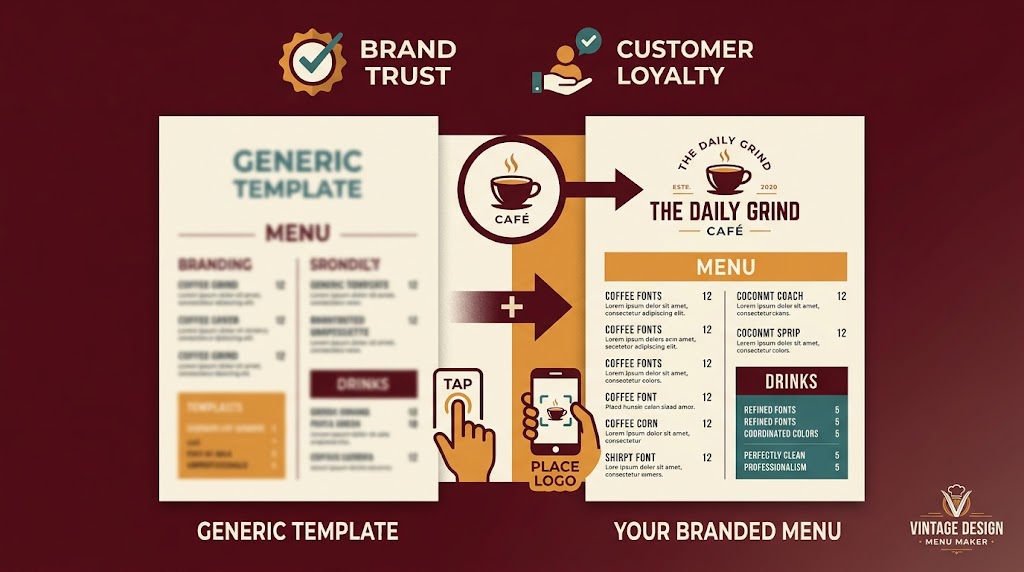
Why Custom Business Logo Integration is Essential for Professional Restaurant Menus Want your restaurant menu to stand out and build instant customer recognition? Discover how seamless custom logo integration in the Menu Maker - Vintage Design app elevates your brand across every table and digital platform.
-
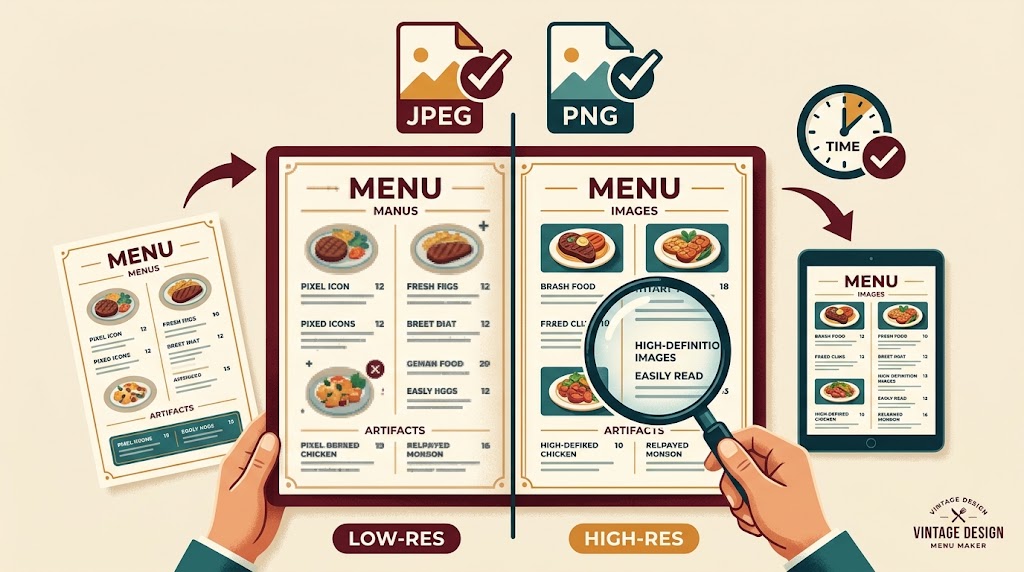
Why High-Resolution JPEG and PNG Export Matters for Your Restaurant Menu Finished designing your menu? Discover how exporting your restaurant designs in high-resolution JPEG and PNG formats ensures crisp printing and professional digital sharing.
-
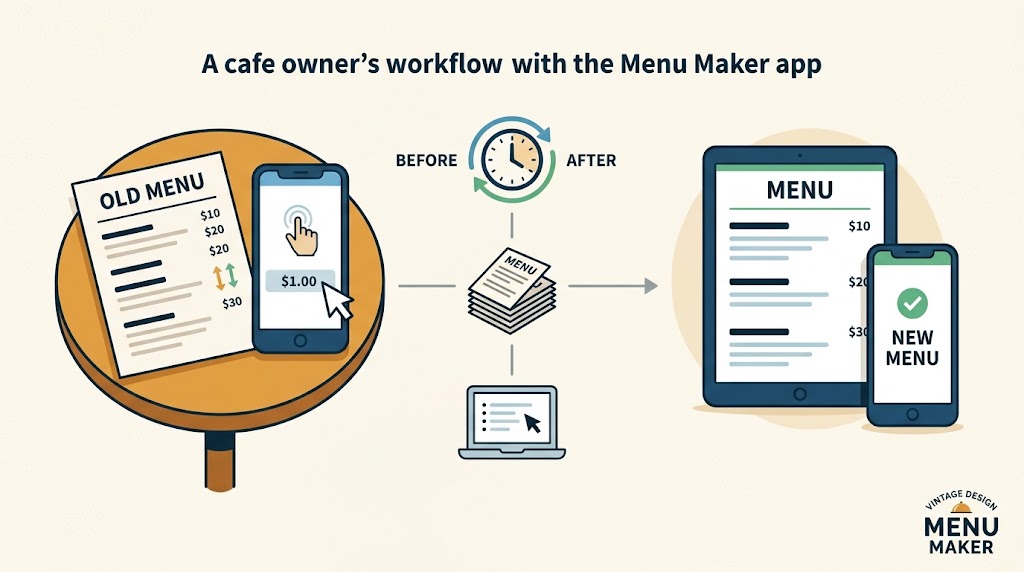
How Quick-Edit Layout Tools Help Restaurant Owners Update Menus in Seconds Prices change, seasonal dishes rotate, and daily specials come and go. Discover how the quick-edit layout tools in the Menu Maker - Vintage Design app let you update your restaurant menus instantly without redesigning from scratch.
-
How a Pre-Made Background and Sticker Library Saves Restaurant Owners Hours of Design Time Struggling to design a professional menu from scratch? Discover how an extensive built-in library of vintage backgrounds, stickers, and logos lets eateries build stunning brand identities instantly.