Free Time Card Calculator
Track work hours and wages with this free time card calculator. Enter daily start and end times, breaks, and your hourly rate to calculate total hours, overtime, and gross pay - then export or print your timesheet.
Free Time Card Calculator
Track weekly hours, breaks, overtime, and gross pay — export CSV or print.
Overtime = hours over 40 in the week. Break time is subtracted from each day.
| Day | Start | End | Break (HH:MM) | Total |
|---|
- Total hours
- 0.00
- Regular hours
- 0.00
- Overtime hours
- 0.00
- Total gross pay
- $0.00
Why Use an Online Time Card Calculator
Manually adding up hours across a week - especially with different start times, breaks, and the occasional overtime shift - is tedious and easy to get wrong with pen and paper. A dedicated time card tool handles the AM/PM and 24-hour time math for you and keeps a clean record you can double-check against your pay stub.
This is useful whether you are an hourly employee verifying your paycheck is accurate, a freelancer billing a client by the hour, or a small business owner building a simple weekly timesheet without expensive payroll software.
How Overtime Is Calculated
Most hourly employees in the US are entitled to overtime pay once they exceed 40 hours in a workweek, usually at 1.5 times their normal rate, though rules vary by state and job type. This calculator flags hours beyond your set weekly threshold so you can see regular versus overtime hours split out clearly.
Keep in mind that overtime rules differ by country and sometimes by state, so always confirm the specific legal threshold and rate that applies to your situation - this tool is a calculation aid, not legal or payroll advice.
Tracking Breaks Correctly
Unpaid breaks, like a 30-minute lunch, should be entered separately so they are subtracted from your total paid hours rather than counted as time worked. Paid short breaks, on the other hand, typically should not be subtracted at all - check your company's policy if you are unsure which applies to you.
Small rounding differences between your entered times and your employer's official time clock system are normal; use this tool as a quick personal check rather than an exact replacement for payroll records.
Who This Timesheet Tool Is For
Hourly workers use it to spot-check their paycheck before raising a question with HR. Managers of small teams use it to quickly tally a handful of employee timesheets without opening full payroll software for a short pay period.
Freelancers and contractors billing hourly also find it useful for turning daily start and end times into a clean weekly total they can attach to an invoice.
Why use Free Time Card Calculator?
Built for everyday use in the browser - clear results, no account required.
Daily Time Entry
Enter start and end times for each day of the week, plus any unpaid break duration.
Automatic Overtime
Hours worked beyond your set weekly threshold are automatically calculated as overtime.
Gross Pay Estimate
Add your hourly rate to see estimated gross pay for the period alongside total hours.
12-Hour or 24-Hour Format
Enter times the way you are used to - standard AM/PM or 24-hour clock - the calculator handles both.
Weekly Totals
See a running total for the week plus a breakdown for each individual day.
How to use Free Time Card Calculator
Follow these steps to get results in under a minute.
Enter Daily Times
Add your clock-in and clock-out time for each work day, from Monday through Sunday.
Subtract Breaks
Enter any unpaid lunch or break time so it is excluded from paid hours.
Add Your Hourly Rate
Enter your pay rate to calculate estimated gross pay alongside total hours.
Review Your Totals
Check daily and weekly totals, including any overtime hours calculated automatically.
Frequently Asked Questions
Find quick answers about Free Time Card Calculator.
Does this calculator account for overtime automatically?
Can I enter times in 24-hour format?
Should I include my lunch break in my hours?
Is the gross pay figure exact?
Can I use this for a bi-weekly or monthly pay period?
Is my time data saved anywhere?
Can I print or export my timesheet?
More free tools
Explore all 12 other online utilities from Rizwan Tech Studio - no sign-up required.
-
QR Code Generator
Create a free QR code online for URLs, text, vCard, email, and SMS.
Open tool -
QR Code Scanner
QR code scanner online - use your camera or upload an image.
Open tool -
Social Media Name Checker
Free social media name checker for username and handle availability.
Open tool -
Lorem Ipsum Generator
Free lorem ipsum / lipsum placeholder text generator.
Open tool -
Age Calculator
Exact age calculator in years, months, days, and more.
Open tool -
Image to Text Converter
OCR online - free image to text converter in your browser.
Open tool -
Word Counter
Online word counter with characters, spaces, and keyword density.
Open tool -
Internet Speed Tester
Free internet speed test for download, upload, and latency.
Open tool -
TikTok Video Downloader
Download TikTok videos without watermark in HD MP4 & MP3.
Open tool -
Instagram Video Downloader
Download Instagram Reels, videos, and IGTV in high quality MP4.
Open tool -
Facebook Video Downloader
Download Facebook videos and Reels in Full HD & SD quality.
Open tool -
YouTube Video Downloader
Download YouTube videos and Shorts in HD 1080p, 720p & MP3.
Open tool
Our Apps
Design apps from Rizwan Tech Studio on Google Play.
-
 Menu Maker - Vintage Design
Design restaurant, café and bar menus on your phone with vintage backgrounds, ready-made templates, your logo and printable HD export.
-
 Flyer, Poster Maker
Design flyers, posters, social media posts and promo graphics for your business or event in minutes with editable templates.
-
 Luxury Logo Maker, Logo Design
Create elegant luxury, royal and monogram logos with 100+ templates, 50+ fonts, icons and backgrounds for premium brands.
-
 Christmas Photo Frames 2026
Turn holiday photos into festive memories with merry Christmas frames, Santa frames, New Year stickers and custom messages.
From the Blog
Tips, updates, and guides from our studio.
-
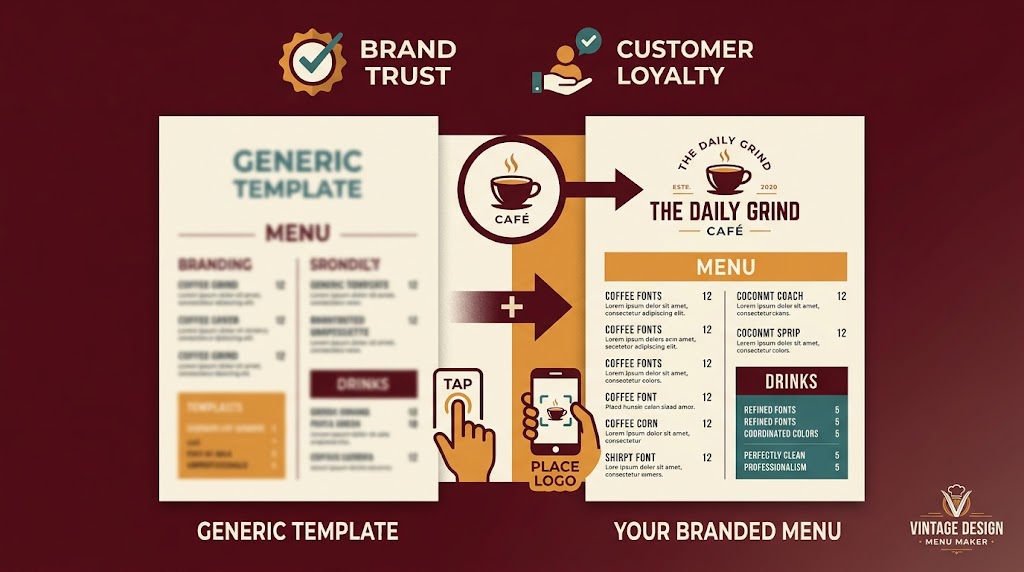
Why Custom Business Logo Integration is Essential for Professional Restaurant Menus Want your restaurant menu to stand out and build instant customer recognition? Discover how seamless custom logo integration in the Menu Maker - Vintage Design app elevates your brand across every table and digital platform.
-
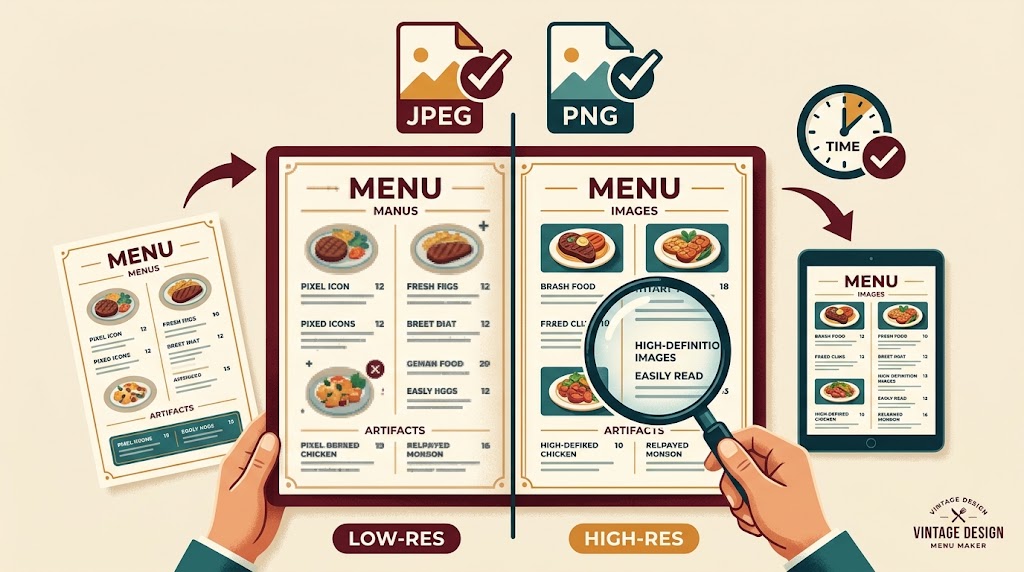
Why High-Resolution JPEG and PNG Export Matters for Your Restaurant Menu Finished designing your menu? Discover how exporting your restaurant designs in high-resolution JPEG and PNG formats ensures crisp printing and professional digital sharing.
-
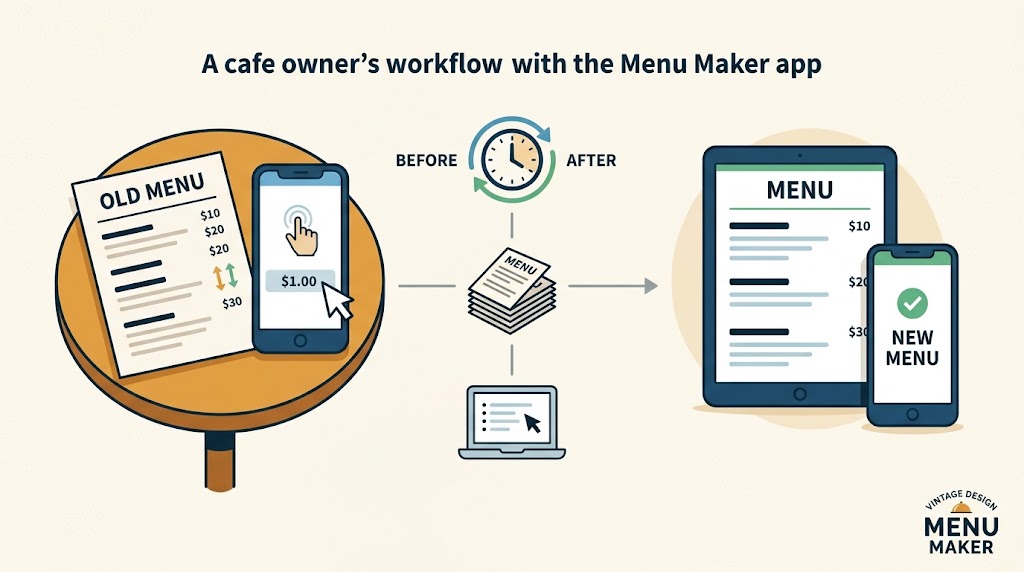
How Quick-Edit Layout Tools Help Restaurant Owners Update Menus in Seconds Prices change, seasonal dishes rotate, and daily specials come and go. Discover how the quick-edit layout tools in the Menu Maker - Vintage Design app let you update your restaurant menus instantly without redesigning from scratch.
-
How a Pre-Made Background and Sticker Library Saves Restaurant Owners Hours of Design Time Struggling to design a professional menu from scratch? Discover how an extensive built-in library of vintage backgrounds, stickers, and logos lets eateries build stunning brand identities instantly.