Image to Text Converter
Convert image to text with free online OCR. Upload a photo, screenshot, or scanned document and extract readable text in your browser - useful for notes, quotes, and digitizing print.
Image to Text Converter
Upload a photo or screenshot — text is extracted privately in your browser.
Drop an image here or click to browse
Processed on-device — nothing is uploaded to our servers
Image preview appears here after you choose a file.
Scan another file?
What Is OCR and How Does Image-to-Text Work?
Optical Character Recognition (OCR) analyzes the shapes within an image and matches them against known letterforms to reconstruct the original text. What used to require dedicated scanning hardware and desktop software now runs directly in a web browser, which is what powers this tool.
You upload an image, the OCR engine scans it for recognizable characters, and the result is plain, editable text you can copy anywhere - no more retyping a quote from a photo or a paragraph from a printed page by hand.
What Kinds of Images Work Best
Clear, well-lit photos of printed text with good contrast between the letters and background produce the most accurate results. Screenshots of digital text - a tweet, an article, a PDF page - tend to convert almost perfectly since the source is already crisp.
Handwritten notes, stylized fonts, low-resolution images, and photos taken at an angle are more challenging for any OCR engine, including this one, and may require some manual correction afterward. Straightening the image and cropping out unnecessary background before uploading usually improves accuracy.
Privacy Considerations for OCR Tools
Because OCR tools process whatever image you upload, it is worth thinking about what is in that photo before converting it - ID cards, financial documents, or other sensitive material deserve extra caution with any online tool, not just this one. Processing happens within your session, and images are not kept around after you are done.
If you are digitizing sensitive paperwork regularly, consider redacting personal identifiers before uploading, or use the tool for just the portion of the document you actually need as text.
Common Ways People Use Image-to-Text
Students photograph textbook pages or whiteboard notes and convert them into searchable, editable text for studying. Writers and researchers digitize handwritten drafts or printed articles instead of retyping them word by word.
Office workers use it to pull text out of scanned contracts or faxed documents so the content can be searched, edited, or copied into a new file, saving significant manual data-entry time.
Why use Image to Text Converter?
Built for everyday use in the browser - clear results, no account required.
Browser-Based OCR
Extract text from images directly in your browser without installing desktop OCR software.
Supports Photos & Screenshots
Works with phone photos, scanned documents, and screenshots of text on a screen.
Multiple Image Formats
Upload JPG, PNG, and other common image formats for text extraction.
Editable Output
Copy the extracted text and paste it into a document, note, or search box right away.
No Account Needed
Convert as many images as you like without creating an account or paying a subscription.
How to use Image to Text Converter
Follow these steps to get results in under a minute.
Upload an Image
Choose a photo, screenshot, or scanned document from your device.
Let OCR Process It
The tool reads the text within the image and converts it to editable characters.
Review the Extracted Text
Check the result against the original image for any OCR mistakes, especially with handwriting or unusual fonts.
Copy or Export
Copy the text to your clipboard or save it for use elsewhere.
Frequently Asked Questions
Find quick answers about Image to Text Converter.
What image formats does this tool accept?
JPG and PNG work well; most standard photo and screenshot formats are supported.
Can it read handwriting?
Does the tool support languages other than English?
Is there a file size limit?
Will formatting like bold or italics be preserved?
Is my uploaded image stored on your servers?
Why is some text missing or garbled in my result?
Can I use this to digitize a whole book?
More free tools
Explore all 12 other online utilities from Rizwan Tech Studio - no sign-up required.
-
QR Code Generator
Create a free QR code online for URLs, text, vCard, email, and SMS.
Open tool -
QR Code Scanner
QR code scanner online - use your camera or upload an image.
Open tool -
Social Media Name Checker
Free social media name checker for username and handle availability.
Open tool -
Lorem Ipsum Generator
Free lorem ipsum / lipsum placeholder text generator.
Open tool -
Free Time Card Calculator
Timesheet calculator for hours, overtime, and gross pay.
Open tool -
Age Calculator
Exact age calculator in years, months, days, and more.
Open tool -
Word Counter
Online word counter with characters, spaces, and keyword density.
Open tool -
Internet Speed Tester
Free internet speed test for download, upload, and latency.
Open tool -
TikTok Video Downloader
Download TikTok videos without watermark in HD MP4 & MP3.
Open tool -
Instagram Video Downloader
Download Instagram Reels, videos, and IGTV in high quality MP4.
Open tool -
Facebook Video Downloader
Download Facebook videos and Reels in Full HD & SD quality.
Open tool -
YouTube Video Downloader
Download YouTube videos and Shorts in HD 1080p, 720p & MP3.
Open tool
Our Apps
Design apps from Rizwan Tech Studio on Google Play.
-
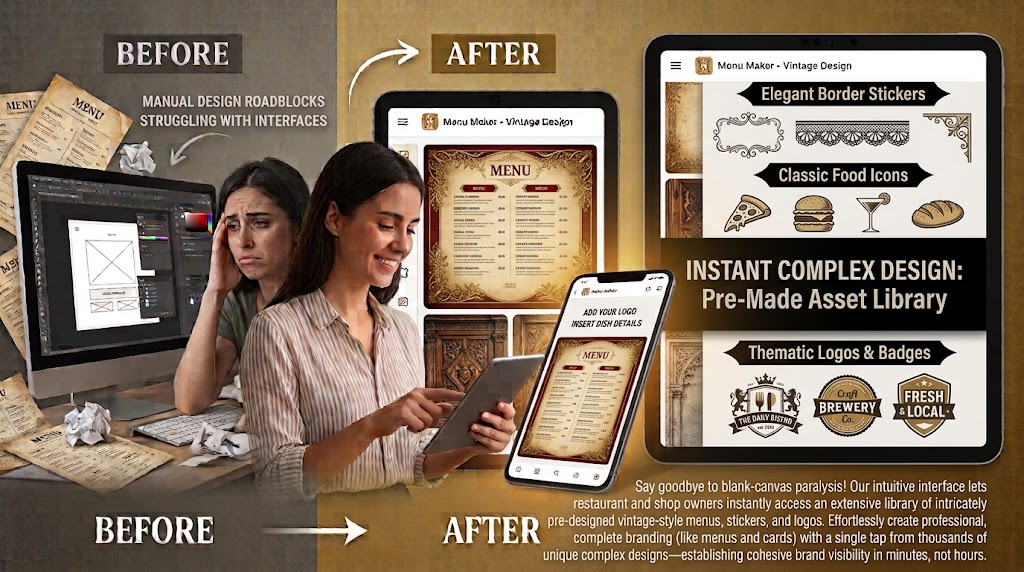
 Menu Maker - Vintage Design
Design restaurant, café and bar menus on your phone with vintage backgrounds, ready-made templates, your logo and printable HD export.
-
 Flyer, Poster Maker
Design flyers, posters, social media posts and promo graphics for your business or event in minutes with editable templates.
-
 Luxury Logo Maker, Logo Design
Create elegant luxury, royal and monogram logos with 100+ templates, 50+ fonts, icons and backgrounds for premium brands.
-
 Christmas Photo Frames 2026
Turn holiday photos into festive memories with merry Christmas frames, Santa frames, New Year stickers and custom messages.
From the Blog
Tips, updates, and guides from our studio.
-
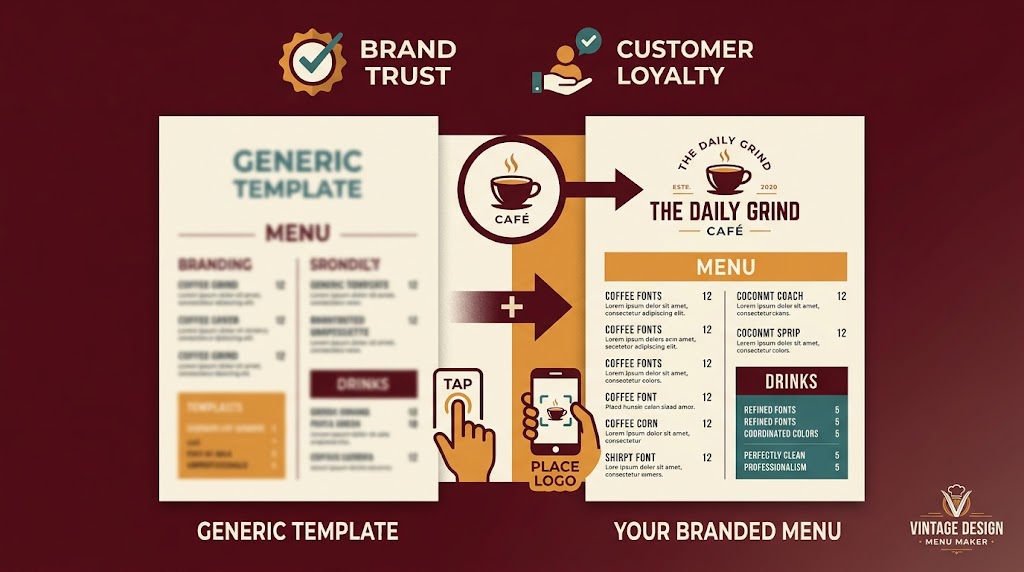
Why Custom Business Logo Integration is Essential for Professional Restaurant Menus Want your restaurant menu to stand out and build instant customer recognition? Discover how seamless custom logo integration in the Menu Maker - Vintage Design app elevates your brand across every table and digital platform.
-
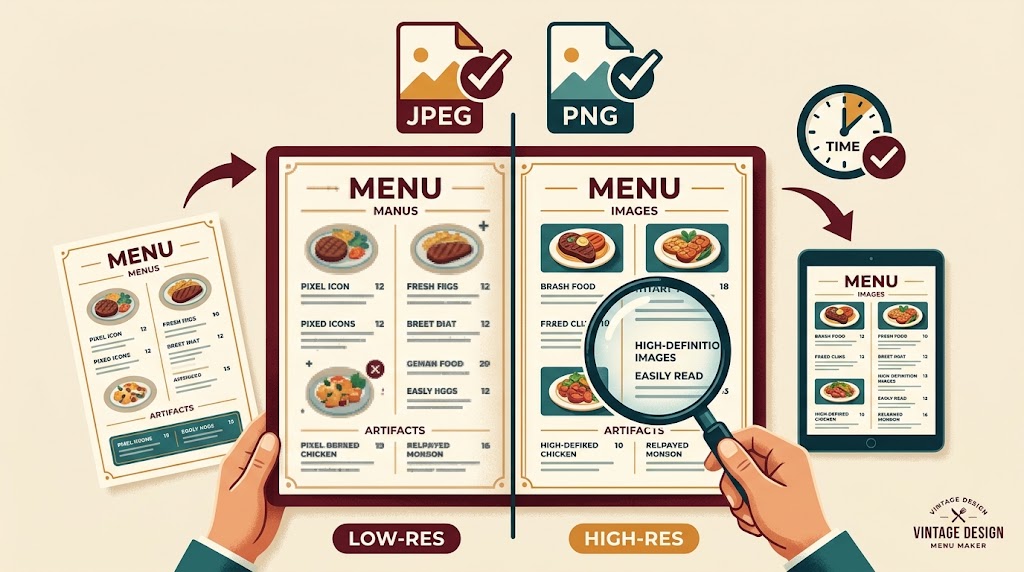
Why High-Resolution JPEG and PNG Export Matters for Your Restaurant Menu Finished designing your menu? Discover how exporting your restaurant designs in high-resolution JPEG and PNG formats ensures crisp printing and professional digital sharing.
-
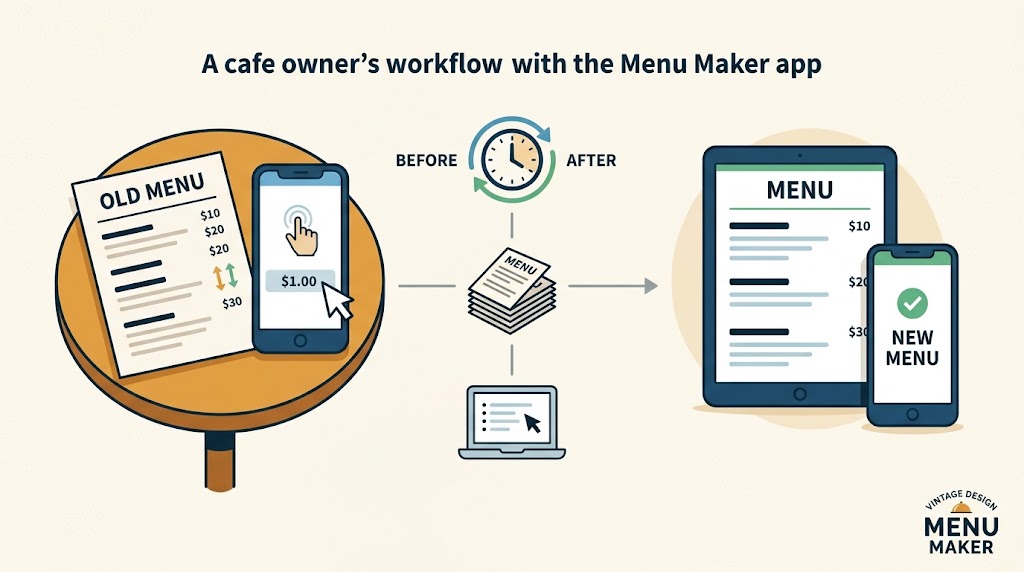
How Quick-Edit Layout Tools Help Restaurant Owners Update Menus in Seconds Prices change, seasonal dishes rotate, and daily specials come and go. Discover how the quick-edit layout tools in the Menu Maker - Vintage Design app let you update your restaurant menus instantly without redesigning from scratch.
-
How a Pre-Made Background and Sticker Library Saves Restaurant Owners Hours of Design Time Struggling to design a professional menu from scratch? Discover how an extensive built-in library of vintage backgrounds, stickers, and logos lets eateries build stunning brand identities instantly.