Word Counter
Count words, characters (with and without spaces), sentences, and keyword density with our free online word counter. Paste or type text for instant writing stats.
Word Counter
Count words, characters, sentences, and keyword density as you type.
Keyword density
| Keyword | Count | Density |
|---|---|---|
| Type text to see keyword density. | ||
Why Word Count Still Matters
Despite how much writing happens digitally now, strict word and character limits are everywhere - essay assignments, meta descriptions, social media captions, and submission guidelines for articles or applications. Going over or dramatically under a stated limit can get content rejected before anyone even reads it.
This tool gives you an instant, accurate count as you write or paste text, so you can trim or expand your draft without guessing or manually counting words one by one.
Characters With Spaces vs. Without
Some platforms, like Twitter/X or SMS, count every character including spaces toward their limit, while others only care about visible characters. Having both numbers available at once saves you from running your text through two different tools to check which rule applies.
This distinction matters most for short-form writing - a meta description, an ad headline, or a tweet - where a handful of characters can be the difference between fitting the limit and getting your text cut off.
Understanding Keyword Density
Keyword density is the percentage of times a specific word or phrase appears relative to your total word count. Writers working on SEO content often check this to avoid accidentally stuffing a page with the same keyword too many times, which can look unnatural to readers and hurt rather than help search rankings.
There is no single correct density percentage - search engines today reward natural, readable writing over keyword repetition - but this feature gives you visibility into your own patterns so you can adjust phrasing if a word is appearing far more often than intended.
Who Uses a Word Counter
Students checking an essay against a professor's word limit, bloggers trimming a post to fit a target length, and copywriters polishing ad text against character caps all rely on quick, accurate counts. Translators and editors also use word counts to estimate project scope or billing before starting a job.
Because the tool works entirely by pasting text in - no uploading a file or creating a document - it fits naturally into a fast editing workflow, whether you are polishing one paragraph or a full multi-page draft.
Why use Word Counter?
Built for everyday use in the browser - clear results, no account required.
Real-Time Word Count
See your word count update instantly as you type or paste text into the box.
Character Count With & Without Spaces
Get both character totals at once, useful for platforms with strict character limits.
Sentence & Paragraph Counts
See how many sentences and paragraphs make up your text, helpful for readability checks.
Keyword Density
Find out how often specific words appear as a percentage of your total text - handy for SEO drafts.
No Upload Needed
Paste or type text directly - nothing needs to be saved as a file first.
How to use Word Counter
Follow these steps to get results in under a minute.
Paste or Type Your Text
Drop your text into the input box, or type directly if you are drafting from scratch.
View Instant Stats
Word count, character count, sentences, and paragraphs update automatically as you work.
Check Keyword Density
Scroll to the keyword density section to see which words appear most frequently.
Edit and Refine
Adjust your text and watch the counts update live until you hit your target length.
Frequently Asked Questions
Find quick answers about Word Counter.
Does this tool count words accurately for languages other than English?
What counts as a sentence for the sentence count?
Is there a maximum text length I can paste in?
Does keyword density ignore common words like "the" or "and"?
Is my text saved or sent anywhere?
Can I use this for SEO meta description length checks?
Does it count numbers and symbols as characters?
More free tools
Explore all 12 other online utilities from Rizwan Tech Studio - no sign-up required.
-
QR Code Generator
Create a free QR code online for URLs, text, vCard, email, and SMS.
Open tool -
QR Code Scanner
QR code scanner online - use your camera or upload an image.
Open tool -
Social Media Name Checker
Free social media name checker for username and handle availability.
Open tool -
Lorem Ipsum Generator
Free lorem ipsum / lipsum placeholder text generator.
Open tool -
Free Time Card Calculator
Timesheet calculator for hours, overtime, and gross pay.
Open tool -
Age Calculator
Exact age calculator in years, months, days, and more.
Open tool -
Image to Text Converter
OCR online - free image to text converter in your browser.
Open tool -
Internet Speed Tester
Free internet speed test for download, upload, and latency.
Open tool -
TikTok Video Downloader
Download TikTok videos without watermark in HD MP4 & MP3.
Open tool -
Instagram Video Downloader
Download Instagram Reels, videos, and IGTV in high quality MP4.
Open tool -
Facebook Video Downloader
Download Facebook videos and Reels in Full HD & SD quality.
Open tool -
YouTube Video Downloader
Download YouTube videos and Shorts in HD 1080p, 720p & MP3.
Open tool
Our Apps
Design apps from Rizwan Tech Studio on Google Play.
-
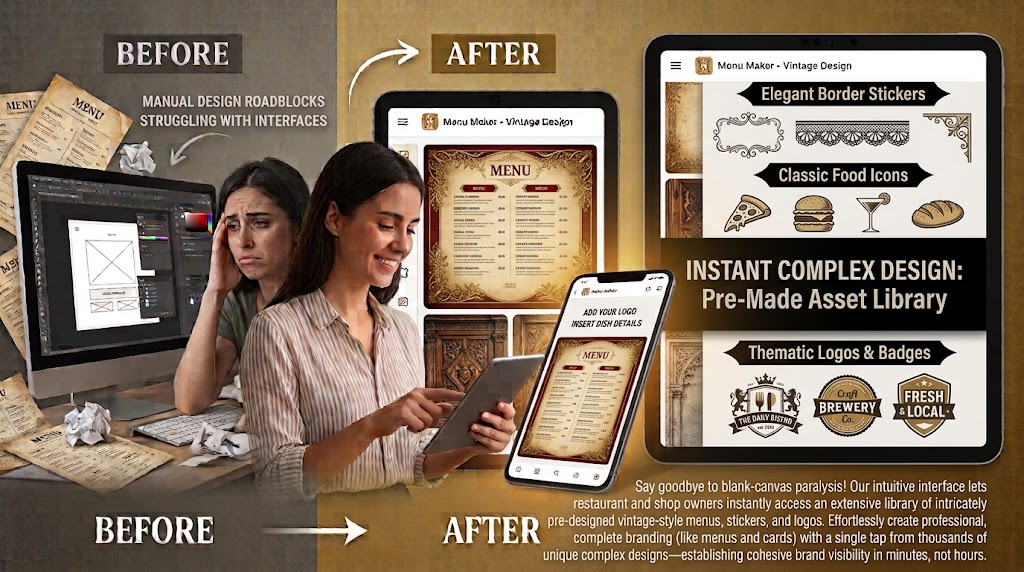
 Menu Maker - Vintage Design
Design restaurant, café and bar menus on your phone with vintage backgrounds, ready-made templates, your logo and printable HD export.
-
 Flyer, Poster Maker
Design flyers, posters, social media posts and promo graphics for your business or event in minutes with editable templates.
-
 Luxury Logo Maker, Logo Design
Create elegant luxury, royal and monogram logos with 100+ templates, 50+ fonts, icons and backgrounds for premium brands.
-
 Christmas Photo Frames 2026
Turn holiday photos into festive memories with merry Christmas frames, Santa frames, New Year stickers and custom messages.
From the Blog
Tips, updates, and guides from our studio.
-
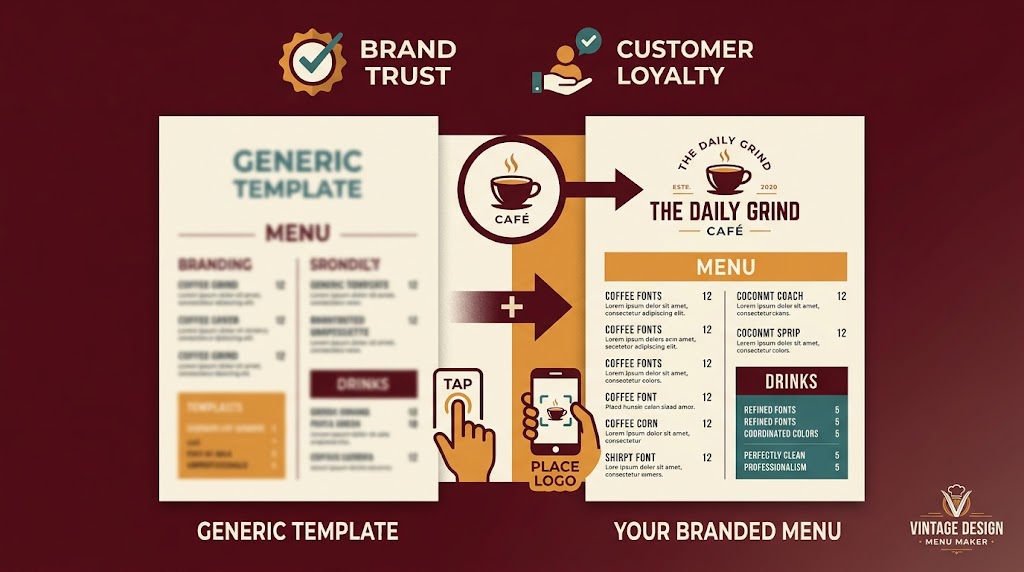
Why Custom Business Logo Integration is Essential for Professional Restaurant Menus Want your restaurant menu to stand out and build instant customer recognition? Discover how seamless custom logo integration in the Menu Maker - Vintage Design app elevates your brand across every table and digital platform.
-
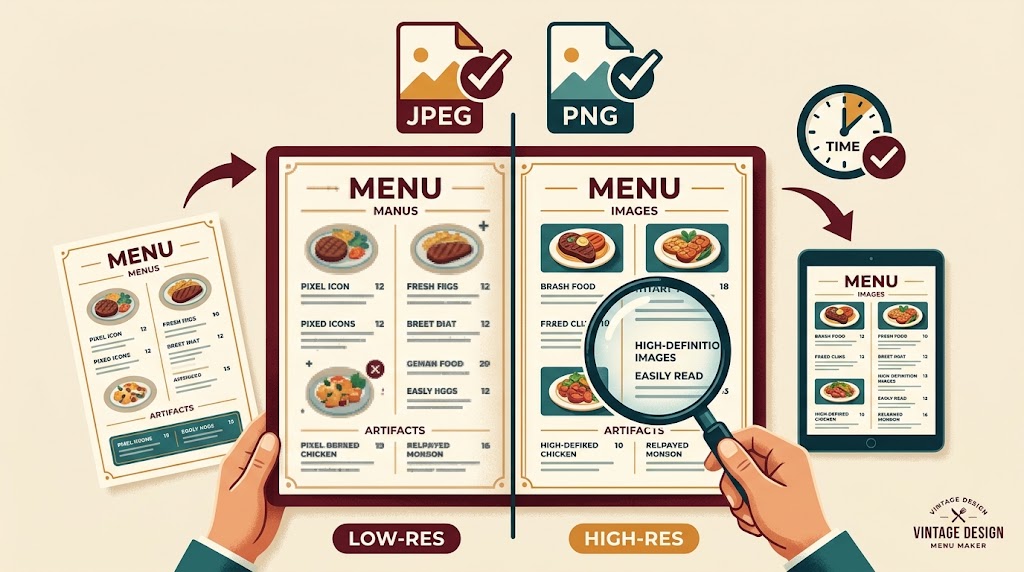
Why High-Resolution JPEG and PNG Export Matters for Your Restaurant Menu Finished designing your menu? Discover how exporting your restaurant designs in high-resolution JPEG and PNG formats ensures crisp printing and professional digital sharing.
-
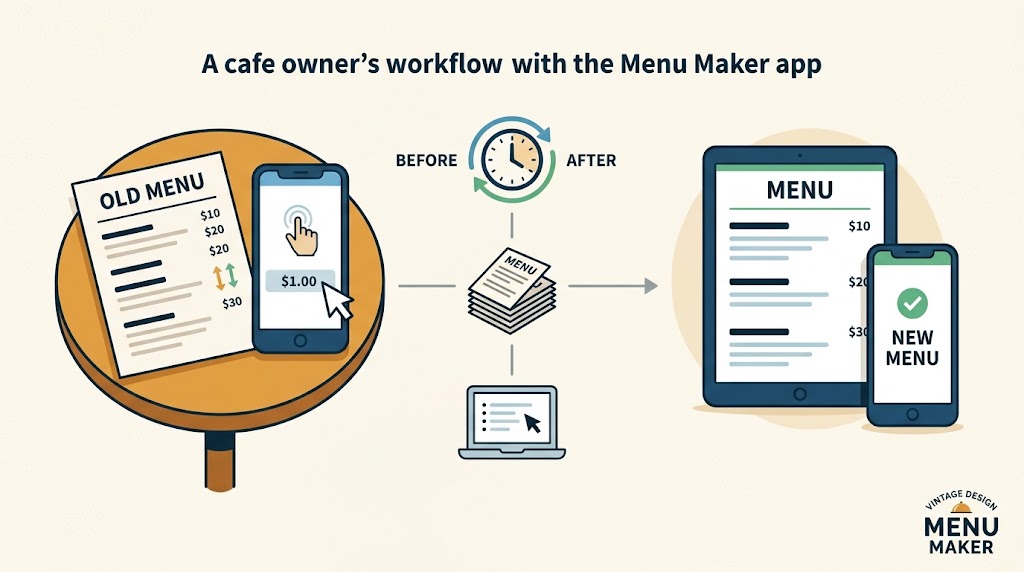
How Quick-Edit Layout Tools Help Restaurant Owners Update Menus in Seconds Prices change, seasonal dishes rotate, and daily specials come and go. Discover how the quick-edit layout tools in the Menu Maker - Vintage Design app let you update your restaurant menus instantly without redesigning from scratch.
-
How a Pre-Made Background and Sticker Library Saves Restaurant Owners Hours of Design Time Struggling to design a professional menu from scratch? Discover how an extensive built-in library of vintage backgrounds, stickers, and logos lets eateries build stunning brand identities instantly.