Lorem Ipsum Generator
Generate lorem ipsum placeholder text with our free lipsum generator. Adjust quantity and format, and optionally wrap output in HTML elements - ideal for layouts, wireframes, and design mockups.
Lorem Ipsum Generator
Generate placeholder paragraphs, words, or bytes — with optional HTML markup.
Max 50 paragraphs / 500 words / 5000 bytes
Add HTML elements
What Is Lorem Ipsum and Why Designers Still Use It
Lorem ipsum is scrambled Latin-derived text that has been used as filler copy in printing and design since the 1500s, and it became a digital design staple because it looks like real sentences without distracting readers with actual meaning. When you are testing a layout, using gibberish text keeps the focus on spacing, font size, and hierarchy instead of the words themselves.
Real content almost never arrives before a design needs to be reviewed, so placeholder text lets designers, developers, and clients evaluate how a page or component will look once real copy is dropped in later.
Paragraphs vs. Words vs. List Items
Choosing paragraphs is best for body copy blocks, blog post mockups, or anywhere you need natural-looking sentence flow. Words mode is handy when you just need a precise character or word count to test truncation, line wrapping, or a tight space like a card title.
List mode generates separate lines or bullet items, which is useful for testing navigation menus, FAQ accordions, or any component built around repeated short entries rather than flowing paragraphs.
Using the HTML Output Option
If you are prototyping directly in code rather than a design tool, turning on HTML wrapping saves you from manually adding tags around every paragraph or list item. The generator inserts the matching markup automatically so you can paste the result straight into your HTML file or CMS editor.
This is particularly useful for testing WYSIWYG editors, email templates, or CMS theme previews where unstyled plain text would not render the same way as properly tagged content.
Who Uses a Lorem Ipsum Generator
Web and app designers use it constantly while building wireframes and mockups before copywriting is finished. Developers use it to stress-test layouts with varying content lengths - a short title next to a long one reveals wrapping or overflow bugs that uniform test data would hide.
Students and teachers building presentation templates, and even print designers laying out brochures, reach for lipsum text for the same reason: it fills the space convincingly without anyone mistaking it for the final copy.
Why use Lorem Ipsum Generator?
Built for everyday use in the browser - clear results, no account required.
Paragraphs, Words, or Lists
Generate placeholder text as full paragraphs, a word count, or a bulleted list to match your layout.
Classic Latin Lipsum
Produces the traditional "Lorem ipsum dolor sit amet..." style text that designers have used for decades.
HTML Output Option
Wrap generated text in paragraph or list tags so you can paste it straight into markup.
Adjustable Quantity
Dial the amount up or down, from a single sentence to several pages of filler copy.
One-Click Copy
Copy the generated text to your clipboard instantly without selecting it manually.
How to use Lorem Ipsum Generator
Follow these steps to get results in under a minute.
Choose a Format
Pick paragraphs, words, or list items depending on what your mockup needs.
Set the Quantity
Enter how many paragraphs, words, or items you want generated.
Toggle HTML Wrapping
Turn on HTML output if you want the text already wrapped in tags.
Copy and Paste
Copy the result and drop it straight into your design tool, CMS, or code editor.
Frequently Asked Questions
Find quick answers about Lorem Ipsum Generator.
Is lorem ipsum actual Latin?
Can I generate more than one paragraph at a time?
Does the HTML option add any styling?
<p> or <li> - no CSS classes or inline styles are added.
Can I use this text in a real, published website?
Is there a maximum amount of text I can generate?
Does this tool require an account?
Can I generate single words instead of full sentences?
More free tools
Explore all 12 other online utilities from Rizwan Tech Studio - no sign-up required.
-
QR Code Generator
Create a free QR code online for URLs, text, vCard, email, and SMS.
Open tool -
QR Code Scanner
QR code scanner online - use your camera or upload an image.
Open tool -
Social Media Name Checker
Free social media name checker for username and handle availability.
Open tool -
Free Time Card Calculator
Timesheet calculator for hours, overtime, and gross pay.
Open tool -
Age Calculator
Exact age calculator in years, months, days, and more.
Open tool -
Image to Text Converter
OCR online - free image to text converter in your browser.
Open tool -
Word Counter
Online word counter with characters, spaces, and keyword density.
Open tool -
Internet Speed Tester
Free internet speed test for download, upload, and latency.
Open tool -
TikTok Video Downloader
Download TikTok videos without watermark in HD MP4 & MP3.
Open tool -
Instagram Video Downloader
Download Instagram Reels, videos, and IGTV in high quality MP4.
Open tool -
Facebook Video Downloader
Download Facebook videos and Reels in Full HD & SD quality.
Open tool -
YouTube Video Downloader
Download YouTube videos and Shorts in HD 1080p, 720p & MP3.
Open tool
Our Apps
Design apps from Rizwan Tech Studio on Google Play.
-
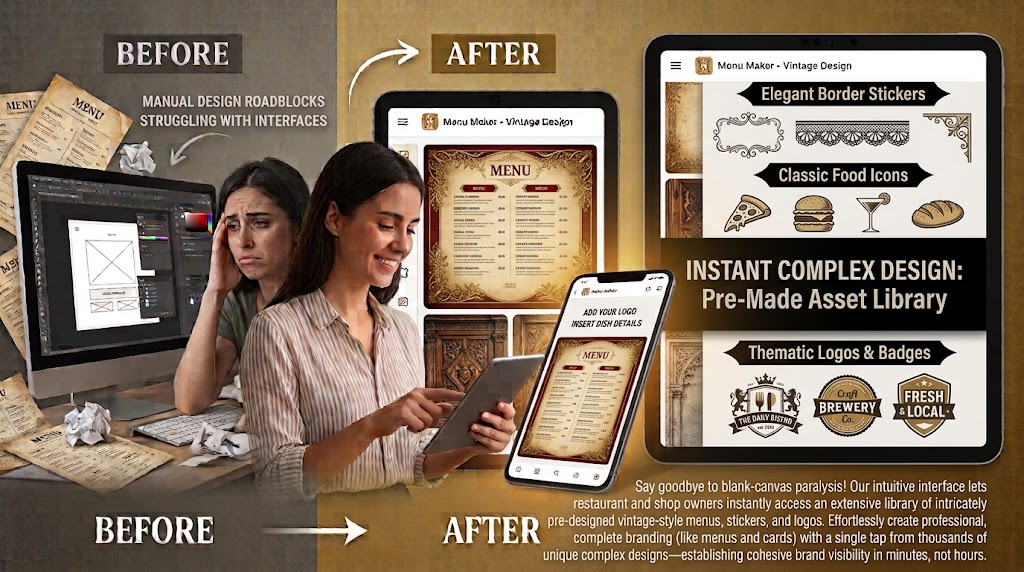
 Menu Maker - Vintage Design
Design restaurant, café and bar menus on your phone with vintage backgrounds, ready-made templates, your logo and printable HD export.
-
 Flyer, Poster Maker
Design flyers, posters, social media posts and promo graphics for your business or event in minutes with editable templates.
-
 Luxury Logo Maker, Logo Design
Create elegant luxury, royal and monogram logos with 100+ templates, 50+ fonts, icons and backgrounds for premium brands.
-
 Christmas Photo Frames 2026
Turn holiday photos into festive memories with merry Christmas frames, Santa frames, New Year stickers and custom messages.
From the Blog
Tips, updates, and guides from our studio.
-
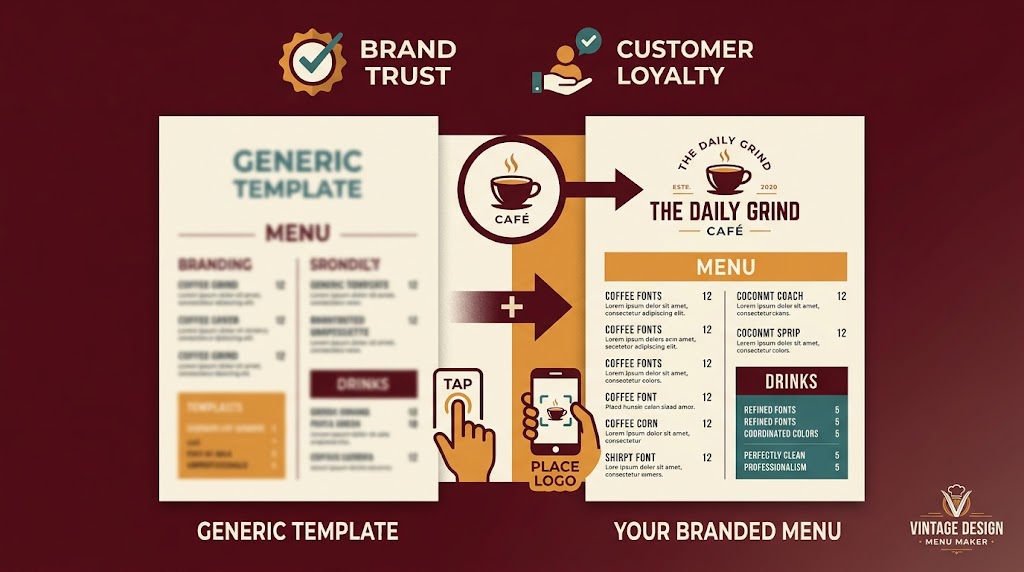
Why Custom Business Logo Integration is Essential for Professional Restaurant Menus Want your restaurant menu to stand out and build instant customer recognition? Discover how seamless custom logo integration in the Menu Maker - Vintage Design app elevates your brand across every table and digital platform.
-
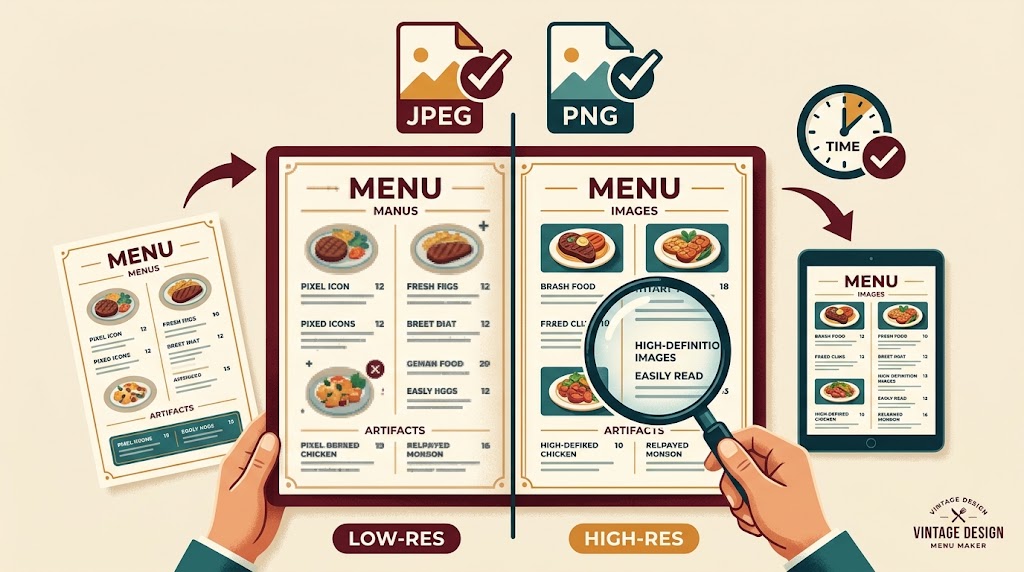
Why High-Resolution JPEG and PNG Export Matters for Your Restaurant Menu Finished designing your menu? Discover how exporting your restaurant designs in high-resolution JPEG and PNG formats ensures crisp printing and professional digital sharing.
-
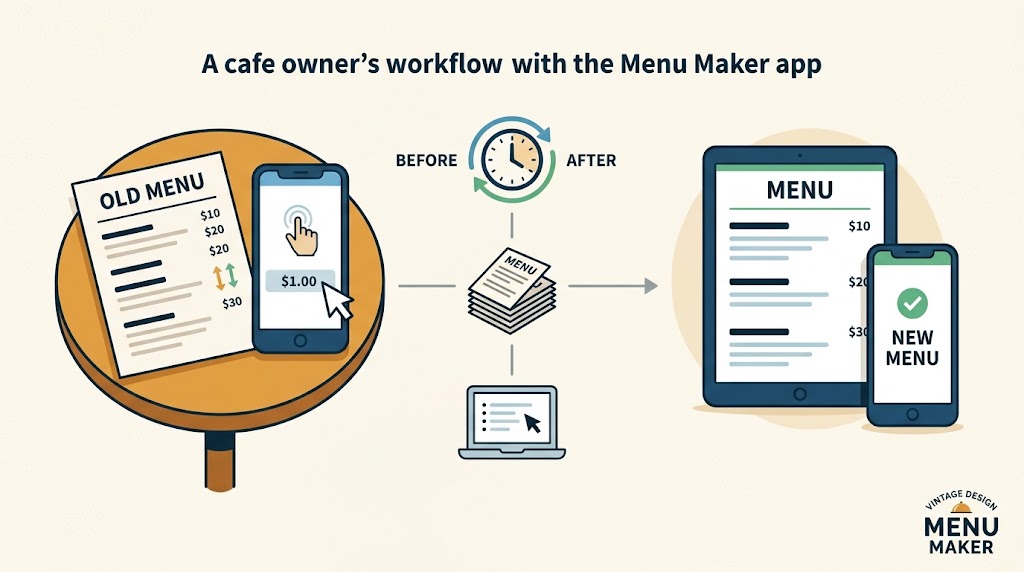
How Quick-Edit Layout Tools Help Restaurant Owners Update Menus in Seconds Prices change, seasonal dishes rotate, and daily specials come and go. Discover how the quick-edit layout tools in the Menu Maker - Vintage Design app let you update your restaurant menus instantly without redesigning from scratch.
-
How a Pre-Made Background and Sticker Library Saves Restaurant Owners Hours of Design Time Struggling to design a professional menu from scratch? Discover how an extensive built-in library of vintage backgrounds, stickers, and logos lets eateries build stunning brand identities instantly.