Instagram Video Downloader
Download Instagram Reels, videos, and IGTV posts in high-definition MP4. Simply paste the Instagram link to fetch the video and save it straight to your gallery or computer.
Download Instagram Reels & Videos
Paste a public Instagram Reel, feed video, or IGTV link to download high-quality MP4 to your phone or computer.
Fetching video details...
This usually takes just a few seconds.
Video Title
All Download Options
Choose your preferred format and quality
| Quality | Format | File Size | Action |
|---|
Why choose our Instagram downloader?
Platform-focused downloads for Instagram - pick quality, then save to your device.
Reels & IGTV Support
Download Reels, IGTV episodes, and regular feed videos from a single paste-and-go tool.
No Login Required
Save public Instagram videos without ever connecting or logging into your Instagram account.
High-Quality MP4
Get videos in the original quality Instagram serves, ready to save to your camera roll or computer.
Thumbnail Download
Grab just the cover image of a Reel or post if that is all you need.
Mobile & Desktop Friendly
Paste a link from your phone's share sheet or a desktop browser - both work the same way.
Save your favorite Instagram videos
Paste a public Instagram link above to fetch formats and download MP4 or MP3.
Downloading Reels, IGTV, and Regular Posts
Instagram hosts video content in a few different formats - short-form Reels, longer IGTV episodes, and standard video posts in the main feed - and this tool handles all three from the same link-paste workflow. There is no need to figure out which type of content you are looking at before downloading; just copy the link and paste it in.
This is especially useful for Reels, since Instagram's own app does not offer a native save-to-camera-roll option for most public Reels the way some other platforms do for their short-form video.
Why No Login Is Needed
This downloader only works with publicly viewable Instagram content - the kind anyone could watch without following the account or signing in. Because of that, there is no need to connect your own Instagram account or hand over login credentials to use the tool, which keeps the process simple and avoids any account security risk.
The tradeoff is that private accounts and content restricted to followers-only cannot be downloaded this way, since that content is not publicly accessible in the first place - the same restriction that would apply if you tried to view it in a regular browser while logged out.
Public Posts Only - What That Means in Practice
If an Instagram account is set to private, or a specific post is restricted to close friends or followers, this tool will not be able to fetch it, and that is intentional. Respecting these privacy settings is important, and attempting to bypass them is not something this downloader is designed to do.
For public creators, brands, and open accounts, downloading works just as it would for any publicly shared content - the same video anyone could already view by visiting the profile directly.
Common Reasons Why a Reel Might Fail To Download
The most common cause is that the account has gone private since the link was shared, or the specific post has been deleted or archived by its owner. Double-check that you can still view the content normally in a browser while logged out - if you cannot see it that way, the downloader will not be able to either.
Occasionally a pasted link might be a profile link rather than a specific post or Reel link; make sure the URL points to an individual video rather than just a username.
How to use Instagram Video Downloader
Follow these steps to get results in under a minute.
Copy the Instagram Link
Tap the three-dot menu on a Reel, video, or post, then choose Copy Link.
Paste the Link Into the Tool
Paste the copied URL into the box above and tap Get Video.
Pick Your Format
Choose the video quality you want, or switch tabs to download just the thumbnail.
Save the File
Tap download and the video saves directly to your device.
Frequently Asked Questions
Find quick answers about Instagram Video Downloader.
Can I download private Instagram videos?
Does this work for Reels specifically?
Do I need to log into Instagram to use this?
What quality will my downloaded video be?
Can I download just the thumbnail image instead of the video?
Why did my download fail for a Reel I can see on Instagram?
Is it against Instagram's rules to download videos this way?
Does this tool work on mobile browsers?
More free tools
Explore all 12 other online utilities from Rizwan Tech Studio - no sign-up required.
-
QR Code Generator
Create a free QR code online for URLs, text, vCard, email, and SMS.
Open tool -
QR Code Scanner
QR code scanner online - use your camera or upload an image.
Open tool -
Social Media Name Checker
Free social media name checker for username and handle availability.
Open tool -
Lorem Ipsum Generator
Free lorem ipsum / lipsum placeholder text generator.
Open tool -
Free Time Card Calculator
Timesheet calculator for hours, overtime, and gross pay.
Open tool -
Age Calculator
Exact age calculator in years, months, days, and more.
Open tool -
Image to Text Converter
OCR online - free image to text converter in your browser.
Open tool -
Word Counter
Online word counter with characters, spaces, and keyword density.
Open tool -
Internet Speed Tester
Free internet speed test for download, upload, and latency.
Open tool -
TikTok Video Downloader
Download TikTok videos without watermark in HD MP4 & MP3.
Open tool -
Facebook Video Downloader
Download Facebook videos and Reels in Full HD & SD quality.
Open tool -
YouTube Video Downloader
Download YouTube videos and Shorts in HD 1080p, 720p & MP3.
Open tool
Our Apps
Design apps from Rizwan Tech Studio on Google Play.
-
 Menu Maker - Vintage Design
Design restaurant, café and bar menus on your phone with vintage backgrounds, ready-made templates, your logo and printable HD export.
-
 Flyer, Poster Maker
Design flyers, posters, social media posts and promo graphics for your business or event in minutes with editable templates.
-
 Luxury Logo Maker, Logo Design
Create elegant luxury, royal and monogram logos with 100+ templates, 50+ fonts, icons and backgrounds for premium brands.
-
 Christmas Photo Frames 2026
Turn holiday photos into festive memories with merry Christmas frames, Santa frames, New Year stickers and custom messages.
From the Blog
Tips, updates, and guides from our studio.
-
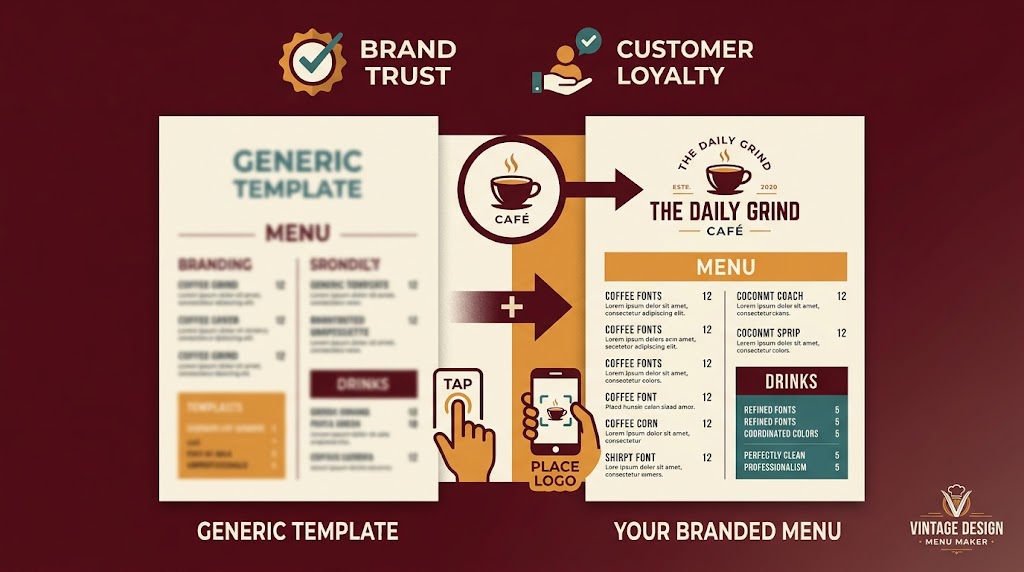
Why Custom Business Logo Integration is Essential for Professional Restaurant Menus Want your restaurant menu to stand out and build instant customer recognition? Discover how seamless custom logo integration in the Menu Maker - Vintage Design app elevates your brand across every table and digital platform.
-
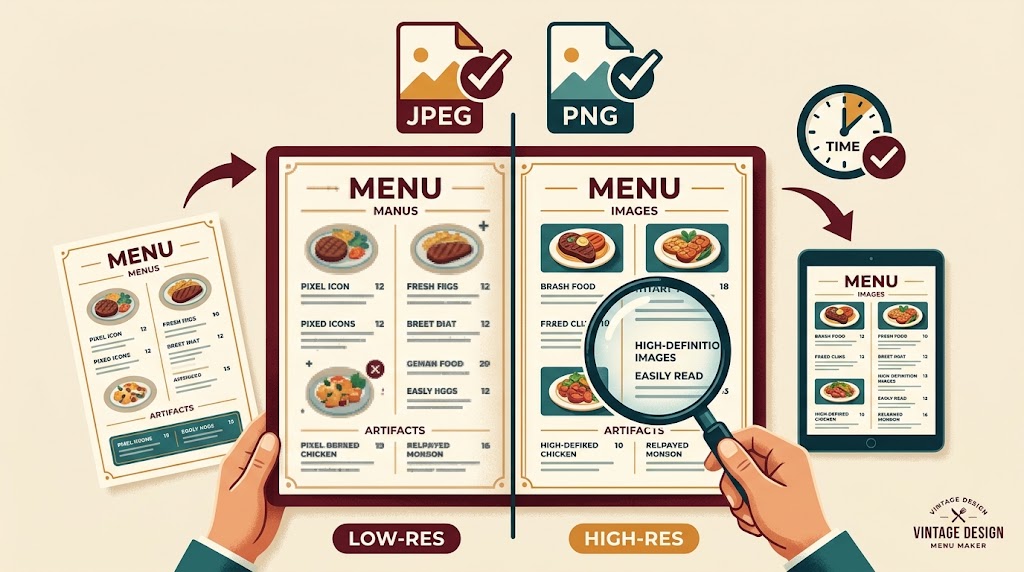
Why High-Resolution JPEG and PNG Export Matters for Your Restaurant Menu Finished designing your menu? Discover how exporting your restaurant designs in high-resolution JPEG and PNG formats ensures crisp printing and professional digital sharing.
-
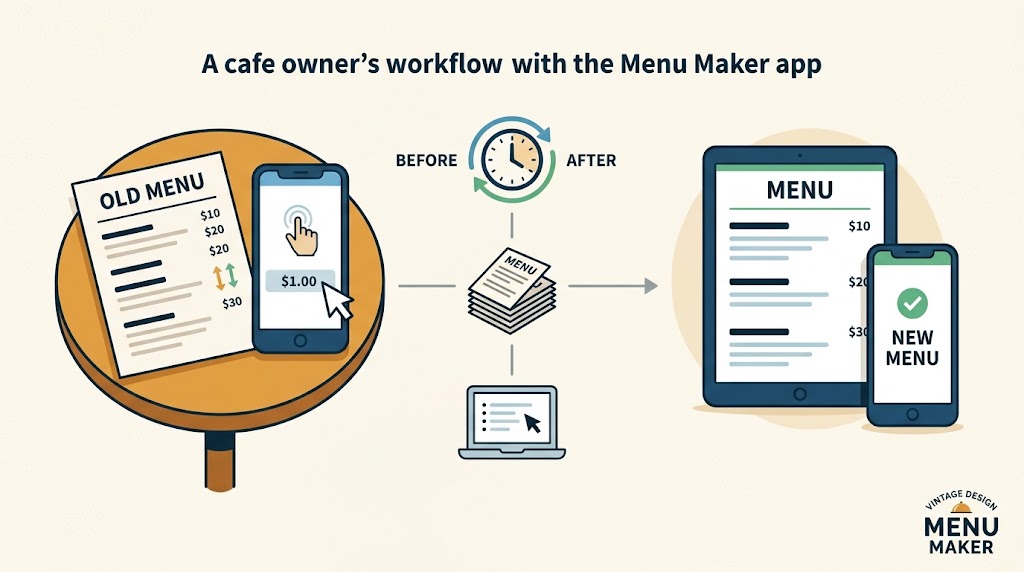
How Quick-Edit Layout Tools Help Restaurant Owners Update Menus in Seconds Prices change, seasonal dishes rotate, and daily specials come and go. Discover how the quick-edit layout tools in the Menu Maker - Vintage Design app let you update your restaurant menus instantly without redesigning from scratch.
-
How a Pre-Made Background and Sticker Library Saves Restaurant Owners Hours of Design Time Struggling to design a professional menu from scratch? Discover how an extensive built-in library of vintage backgrounds, stickers, and logos lets eateries build stunning brand identities instantly.