QR Code Scanner
Use this free QR code scanner online to read codes with your camera or by uploading an image. Live scan, one-shot camera, and photo upload modes work in the browser on desktop and mobile - grant camera access when prompted, or choose a screenshot.
QR Code Scanner
Scan with your camera or upload a photo — works in the browser, no app install.
Continuous camera scan — stops automatically when a code is found.
Camera view or image preview will appear here
How Does an Online QR Code Scanner Work?
A QR scanner reads the pattern of black and white squares in a code and translates it back into the original text, link, or contact information. Instead of installing a dedicated scanner app, this tool uses your browser's built-in camera access to read codes live, directly on the page.
If you do not want to use your camera, or you are scanning a code from a screenshot someone sent you, the upload mode decodes the image file the same way a live scan would - no app, no extra software.
Camera Scan vs. Photo Upload - Which Should You Use?
Live camera scanning is fastest when the QR code is physically in front of you - on a poster, receipt, or product box. Just hold your device steady and the scanner locks on automatically, usually in under a second.
Photo upload is more practical when the code only exists as an image: a screenshot from a group chat, a code embedded in a PDF, or a picture someone emailed you. Simply choose the image file and the scanner reads it the same way it would read a live camera frame.
Is It Safe to Scan Unknown QR Codes?
QR codes themselves are just a format for encoding text - they cannot run code on your device. The risk comes from what the decoded text points to, such as a suspicious shortened link. Before tapping through, check the destination URL that this tool displays after decoding.
As a rule of thumb, be cautious with QR codes found in public places with no clear source, like a sticker placed over a parking meter - scammers sometimes swap legitimate codes with malicious ones. Decoding first and reviewing the link before opening it is a safer habit.
Common Reasons a QR Code Will Not Scan
Low lighting, a blurry or low-resolution photo, and glare on a glossy label are the most common culprits. Try moving to better light, holding the camera steadier, or zooming in slightly if the code looks tiny within the frame.
Damaged or heavily cropped codes can also fail if too much of the quiet-zone margin or the corner alignment squares has been cut away. If a camera scan keeps failing, taking a clear, well-lit photo and uploading it often works better than a shaky live attempt.
Why use QR Code Scanner?
Built for everyday use in the browser - clear results, no account required.
Live Camera Scanning
Point your device's camera at a QR code and get an instant decode - no photo needed.
Upload From Photo Library
Already have a screenshot or saved image? Upload it and we will decode the code from the picture.
Works on Desktop & Mobile
Use a laptop webcam or your phone's rear camera - the scanner adapts to whichever device you are on.
Instant Results
Decoded text, links, or contact data appear immediately below the scanner, ready to copy or open.
No App Install
Everything runs in your mobile or desktop browser, so there is nothing to download from an app store.
Privacy-Friendly
Camera frames are processed locally for decoding and are not uploaded or stored on our servers.
How to use QR Code Scanner
Follow these steps to get results in under a minute.
Grant Camera Access
Open the scanner and allow camera permission when your browser prompts you.
Point at the QR Code
Hold your camera steady a few inches from the code until it is fully inside the frame.
Or Upload an Image
No camera handy? Choose "Upload" and select a screenshot or photo containing the code instead.
View & Use the Result
The decoded link, text, or contact card appears instantly - tap to open or copy it.
Frequently Asked Questions
Find quick answers about QR Code Scanner.
Do I need to install an app to scan QR codes?
Why does the scanner need camera permission?
Can I scan a QR code from a screenshot?
Is my camera feed recorded or saved?
What types of QR codes can this scanner read?
Why will a code not scan properly?
Does this work on iPhone and Android?
Is it safe to scan random QR codes I find in public?
More free tools
Explore all 12 other online utilities from Rizwan Tech Studio - no sign-up required.
-
QR Code Generator
Create a free QR code online for URLs, text, vCard, email, and SMS.
Open tool -
Social Media Name Checker
Free social media name checker for username and handle availability.
Open tool -
Lorem Ipsum Generator
Free lorem ipsum / lipsum placeholder text generator.
Open tool -
Free Time Card Calculator
Timesheet calculator for hours, overtime, and gross pay.
Open tool -
Age Calculator
Exact age calculator in years, months, days, and more.
Open tool -
Image to Text Converter
OCR online - free image to text converter in your browser.
Open tool -
Word Counter
Online word counter with characters, spaces, and keyword density.
Open tool -
Internet Speed Tester
Free internet speed test for download, upload, and latency.
Open tool -
TikTok Video Downloader
Download TikTok videos without watermark in HD MP4 & MP3.
Open tool -
Instagram Video Downloader
Download Instagram Reels, videos, and IGTV in high quality MP4.
Open tool -
Facebook Video Downloader
Download Facebook videos and Reels in Full HD & SD quality.
Open tool -
YouTube Video Downloader
Download YouTube videos and Shorts in HD 1080p, 720p & MP3.
Open tool
Our Apps
Design apps from Rizwan Tech Studio on Google Play.
-
 Menu Maker - Vintage Design
Design restaurant, café and bar menus on your phone with vintage backgrounds, ready-made templates, your logo and printable HD export.
-
 Flyer, Poster Maker
Design flyers, posters, social media posts and promo graphics for your business or event in minutes with editable templates.
-
 Luxury Logo Maker, Logo Design
Create elegant luxury, royal and monogram logos with 100+ templates, 50+ fonts, icons and backgrounds for premium brands.
-
 Christmas Photo Frames 2026
Turn holiday photos into festive memories with merry Christmas frames, Santa frames, New Year stickers and custom messages.
From the Blog
Tips, updates, and guides from our studio.
-
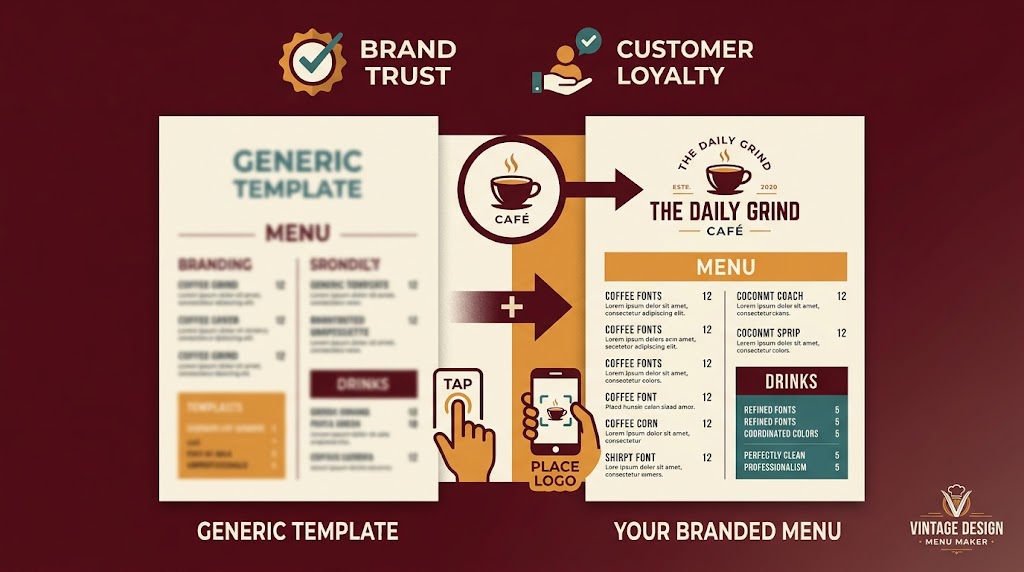
Why Custom Business Logo Integration is Essential for Professional Restaurant Menus Want your restaurant menu to stand out and build instant customer recognition? Discover how seamless custom logo integration in the Menu Maker - Vintage Design app elevates your brand across every table and digital platform.
-
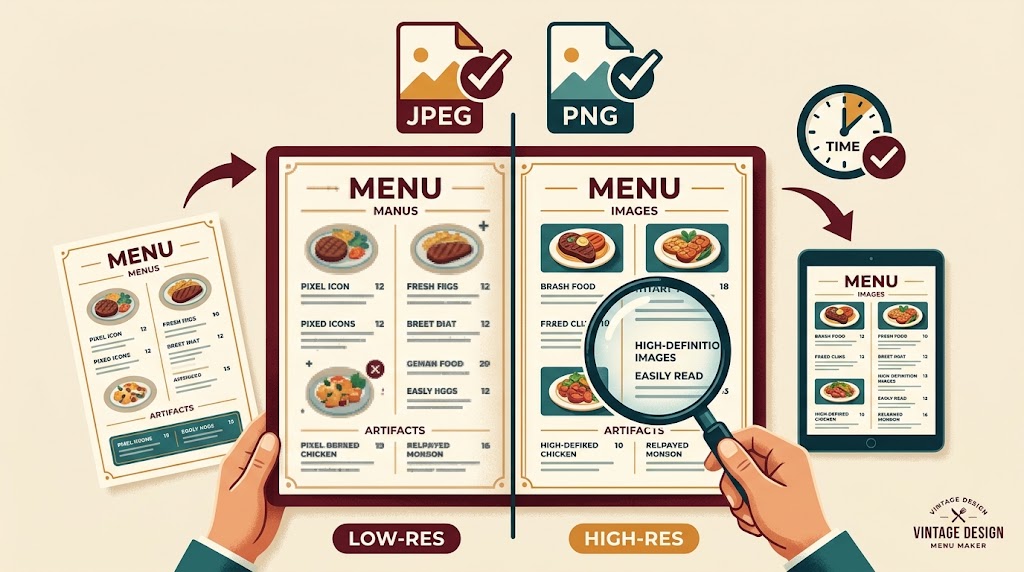
Why High-Resolution JPEG and PNG Export Matters for Your Restaurant Menu Finished designing your menu? Discover how exporting your restaurant designs in high-resolution JPEG and PNG formats ensures crisp printing and professional digital sharing.
-
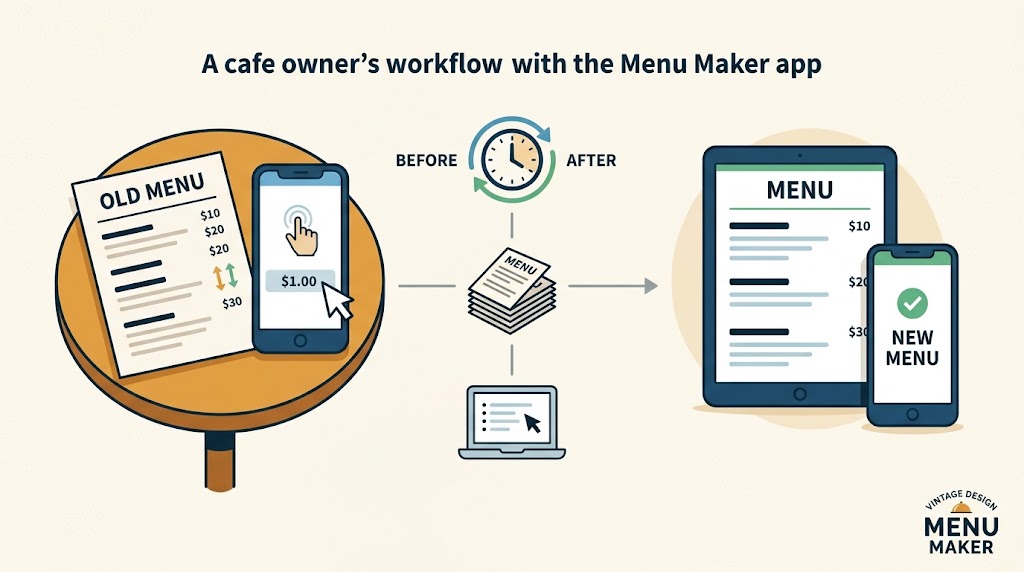
How Quick-Edit Layout Tools Help Restaurant Owners Update Menus in Seconds Prices change, seasonal dishes rotate, and daily specials come and go. Discover how the quick-edit layout tools in the Menu Maker - Vintage Design app let you update your restaurant menus instantly without redesigning from scratch.
-
How a Pre-Made Background and Sticker Library Saves Restaurant Owners Hours of Design Time Struggling to design a professional menu from scratch? Discover how an extensive built-in library of vintage backgrounds, stickers, and logos lets eateries build stunning brand identities instantly.